Digital scan delivery improves your Google Reviews rating

· Updated
When a patient searches for a dental imaging center on Google, the first thing they see is the stars. Going from 4.2 to 4.7 can double the inbound calls. What few imaging centers know is that digital delivery experience is one of the biggest drivers of positive reviews. Here is the data and how to leverage it.
What 5-star reviews mention
Reviewing 100 positive reviews of dental imaging centers on Google, the repeating patterns are clear:
- Speed: "got it instantly", "no waiting".
- Convenience: "they sent it to my phone", "opened it from WhatsApp".
- Staff attention: "very friendly", "explained everything".
- Technology: "everything modern", "the 3D looks amazing".
Three of those four factors connect to how you deliver the scan. And all of them are operationally improvable.
What 1-3 star reviews mention
- "They handed me a CD that does not open on my laptop".
- "I had to come back because the dentist could not open it".
- "I paid for the rush and it still took forever".
- "The viewer asked me to install something and crashed".
Almost every negative review comes from the same source: the delivery phase.
Measurable impact of digital delivery
Centers migrating from CD to link delivery report, on average, the following changes in 6-12 months:
- Google rating up 0.3 to 0.6 points.
- 70% drop in resend calls.
- Average ticket up because patients perceive added value.
- Percentage of patients leaving a review increases (easier to ask in the same delivery message).
When to ask for a review
The ideal moment to ask is not after the scan, it is after successful delivery. When the patient just opened the link on their phone and saw it works, satisfaction is at peak.
Simple template:
"Hi [Name], here is the link to your scan: [URL]. Opens on any device, nothing to install. If you found it useful, it would mean a lot if you could leave a review on Google: [link to your Google Business]. Thanks for trusting [your center]."
The viewer you show matters
If the link opens a slow viewer, without your logo or with technical instructions, the review never comes. The viewer must:
- Load in under 5 seconds on mobile.
- Carry your logo in the header.
- Require no installation.
- Work the same on iPhone, Android, Mac and PC.
- Show patient name and date clearly.
Three operational changes that move the needle
- Remove CDs completely. CDs cause 80% of complaints. Drop them.
- Send the link via WhatsApp in addition to email. Email gets lost, WhatsApp does not.
- Ask for a review in the same delivery message. Perfect timing.
How CBCTHub helps
With CBCTHub the scan ships as a branded link with your logo, opens instantly on mobile, requires no install and offers a review prompt at the bottom of the public viewer. The "improve rating" task becomes almost automatic. To try it, you can create a free account.
Wrap up
Improving your Google rating is not a marketing task, it is an operations task. Improve delivery and the stars follow.
Try CBCTHub for free
Upload, view, and share DICOM scans in the cloud. Nothing to install.
Create free accountRelated articles

Browser DICOM viewer vs desktop: what works for CBCT in clinic
Open CBCT in the browser or install a desktop viewer? A clinical decision matrix: MPR performance, offline use, Mac/Windows mix, sharing without CDs, and when native software still wins.
How to open a CBCT without installing software: a practical online-viewer guide
You got a CD, ZIP, or link with a CBCT and no manufacturer viewer. How to open the DICOM in the browser, measure in mm, and what to do when it fails.
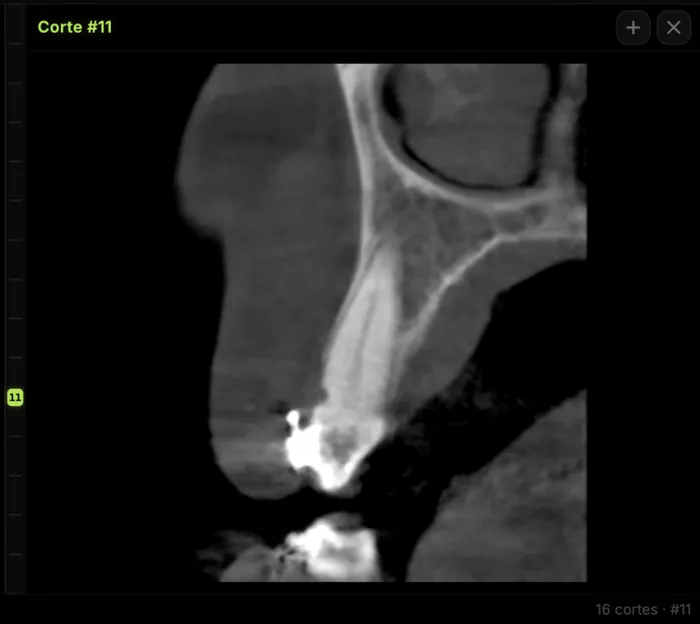
Mandibular canal and inferior alveolar nerve on CBCT: anatomy, variants, and pre-surgical measurement
Locate the mandibular canal and IAN on CBCT: mental loop, bifid/retromolar canal, measurement checklist, and when to escalate from panoramic (ALADA).