For radiologists
Your workstation,
in any browser.
Professional viewer, your own plate templates, digitally signed reports and tools to show a colleague a finding live. Report from the clinic, from home or from the airport, with no remote desktop.
The plate and the report
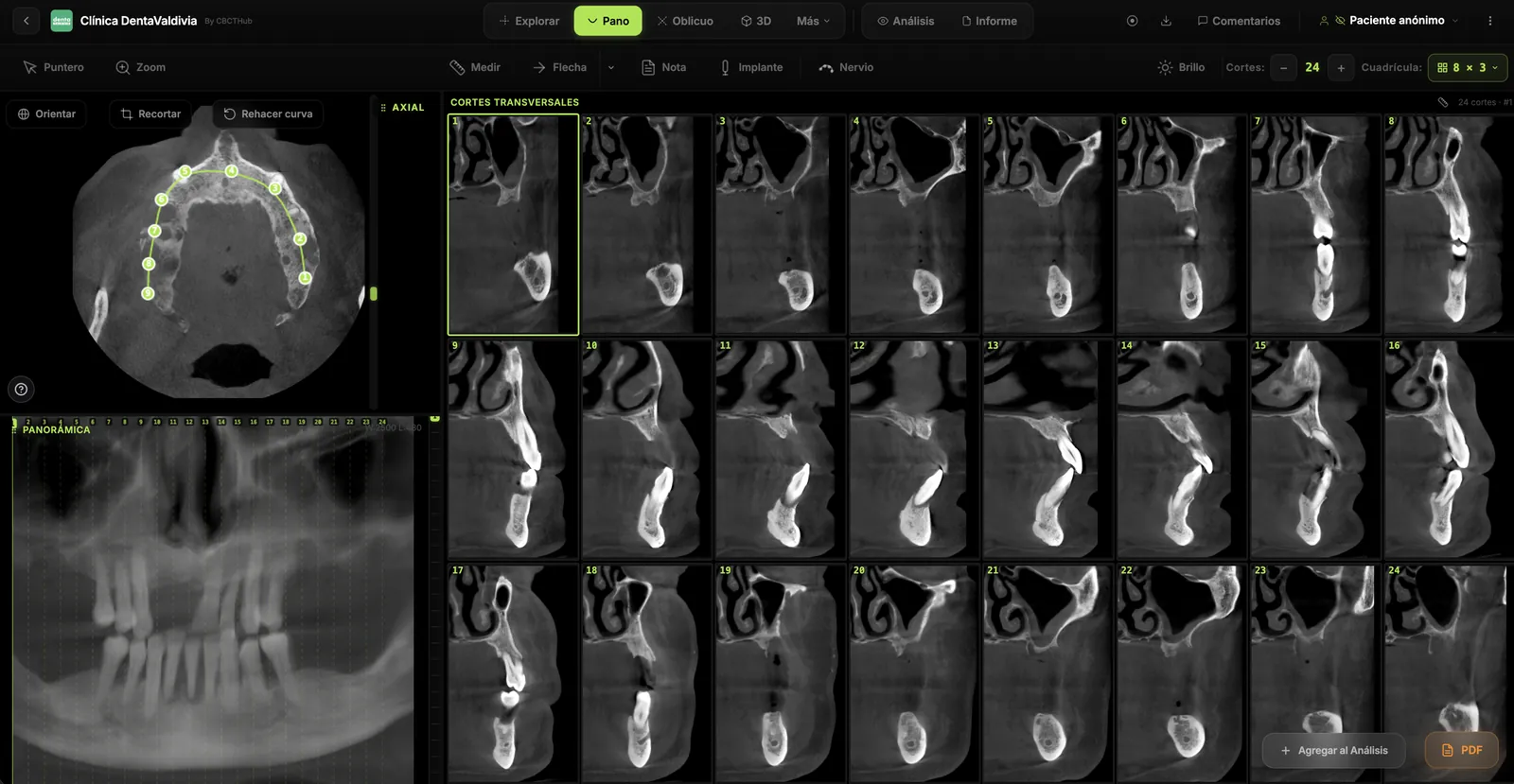
Your plate, your templates, your signature
What comes out is a PDF with your letterhead, the plate laid out the way you designed it, and an electronically signed report anyone can verify.
Plate templates you design
Define how many frames, in what order and what size: 13 consecutive slices for endo, three blocks per tooth for implants. Save them by exam type and reuse them.
Template editor · system presets or your ownBuild the plate by dragging from the viewer
Every view you add to the analysis lands in its frame. What you see in the preview is exactly what the PDF prints.
Drag from any viewport · preview = PDFReport with inline images
Rich-text editor, images between paragraphs, your own title and footer. Reopen the draft whenever you want.
Saved draft · center letterheadDigital signature with verifiable QR
When you sign, the PDF carries your name, date, document hash and a QR. Whoever receives it can check at cbcthub.com/v/… that it was not modified.
Signature per scan · public validationFor showing colleagues
Don't explain it over the phone. Show it.
Three ways for the other person to see exactly what you see, with no screen sharing and no screenshots.
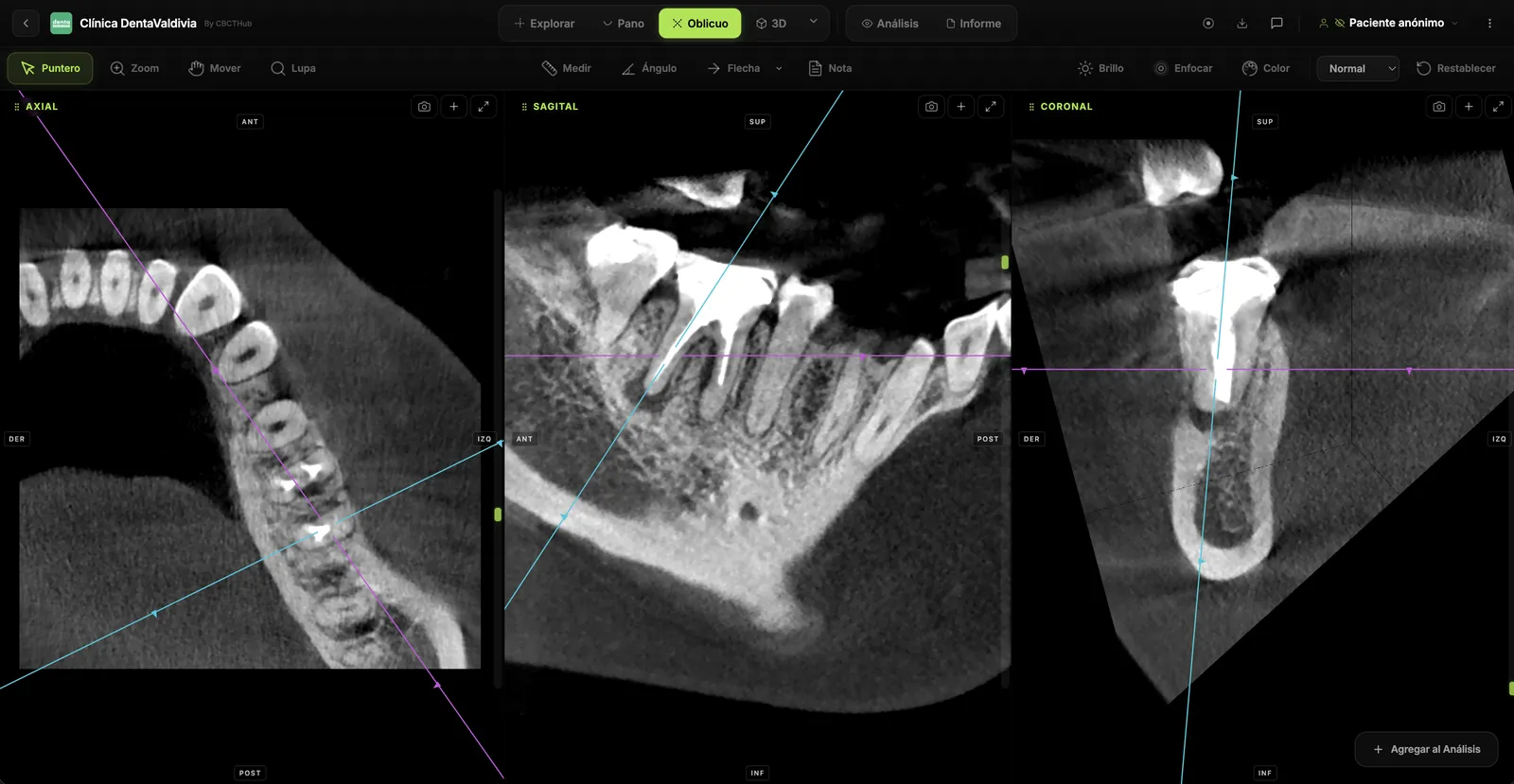
Live presentation
Send a link and your colleague sees your slice, your annotations, your cursor and your brightness changes, synced instantly.
No screen sharing · the viewer installs nothing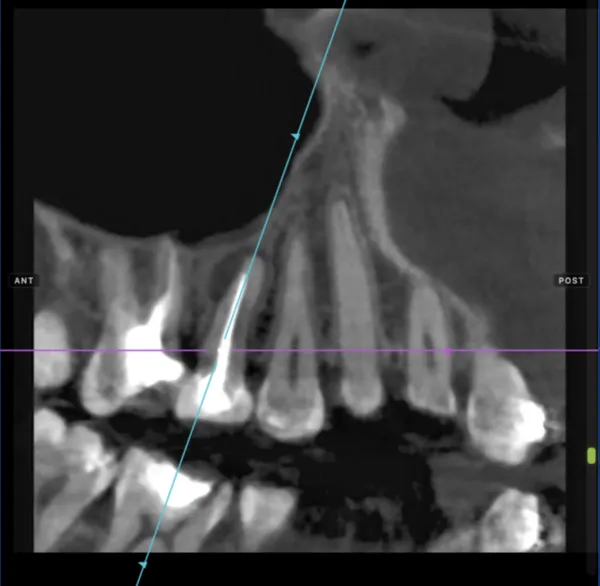
Record your read
Record your voice as you move through the scan. The full read is kept, with what you said about each slice, for the referrer or for teaching.
Voice + navigation · shared by link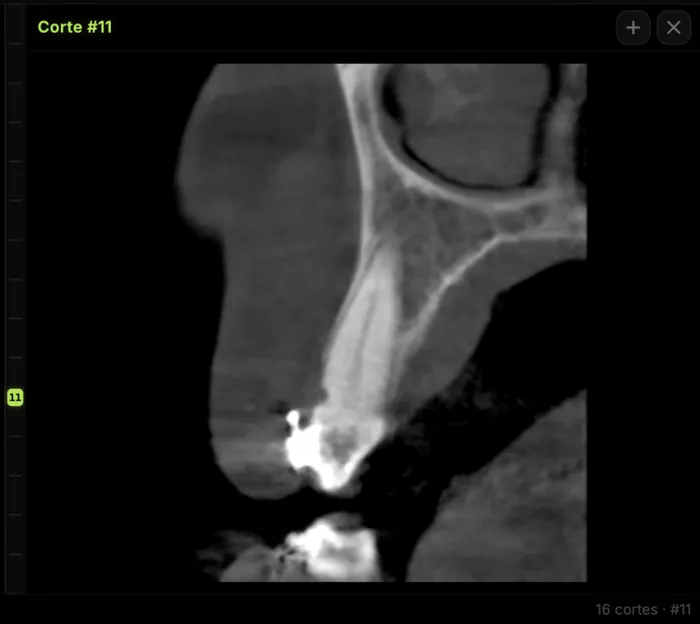
Scenes and slice comments
Save a view with its axes and measurements to return exactly. Leave a comment on a slice and generate a link that opens right there.
Named scenes · direct link to the findingFrom anywhere
The workstation is the browser
All processing happens on the computer where you open the scan. No remote desktop, no "the clinic's machine", no per-seat license. Mac, Windows, Linux or iPad.
Professional viewer
Everything you use to report, nothing missing
The same tools as a workstation. Reconstructed on your computer via WebAssembly.
View and measure
- Axial, sagittal, coronal MPR
- Panoramic curve1–40 mm thickness, real time
- Automatic cross-sections
- Oblique slice with free rotation
- 3D reconstruction and volume cropping
- Measurements, angles, density
- Inferior alveolar nerve tracing
- Virtual implant on the slice
Modules
- Bilateral TMJslices perpendicular to the condylar axis, one volume or two
- Cephalometrics and generated lateral projection
- 3D airway
- Compare two scans of the same patient
- Intraoral scan STL/PLY alongside the slices
- 2D radiographs and panoramics
Report and share
- Your own plate templates
- Report editor with images
- Digital signature with QR
- Live presentation
- Recorded read
- Saved scenes and slice comments
- Branded link, email and WhatsApp
- Scan screenshots
Plan for radiologists
One plan, all your centers
Pro is the radiologist's account: your brand, your templates and your signature, at any center you report for. Prices in USD; −10% on 6 months, −20% yearly.
- ✓Full professional viewer
- ✓Your own plate templates
- ✓QR-signed report
- ✓Logo and brand on link and PDF
- ✓Live presentation and recording
- ✓Scenes and slice comments
- ✓Email and WhatsApp
- ✓Priority support
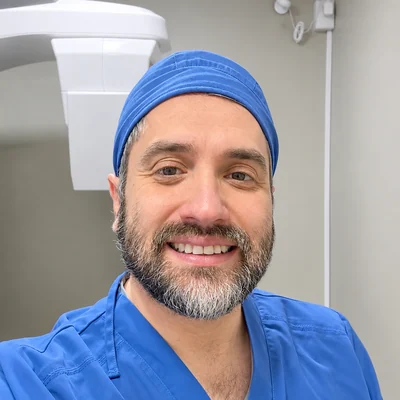
“I read thousands of cone-beam scans a year. Every tool in CBCTHub exists because I needed it while reporting.”
Cristian Rosas Méndez · Oral and Maxillofacial Radiologist · Universidad Austral de Chile · Meet the team →
Before you switch
What radiologists ask us
Is the image quality that of a workstation?+
The volume is reconstructed on your computer with the original DICOM voxel, not a compressed server version. Measurements are calibrated from the voxel spacing in the DICOM header.
Can I use my own plate templates?+
Yes. There are presets per exam type and an editor to create your own: frames, sizes, order. They're saved to your account and used from the viewer.
Is the digital signature valid?+
The signed PDF includes your name, date, the document hash and a QR pointing to a public verification page. Anyone can check the report wasn't altered since signing. Legal validity depends on each country's regulations.
I work for several centers, how do I handle that?+
With your Pro account you report for all of them under your brand. If a center has its own CBCTHub account, it gives you a team user and you work inside it with its templates and letterhead.
What does my colleague see in a live presentation?+
Exactly what you see: the same slice, annotations, your cursor and brightness/contrast changes, synced. They join through a link, nothing to install.
Does it work on iPad?+
Yes, the viewer runs in Safari on iPad. There is also an iOS and Android app for viewing shared scans.
Start today
Report your next case in the browser
Drag in a CBCT, build the plate with your template and sign. Free plan to try, no card.