Open, measure and plan any CBCT.
Trace the nerve, place implants, check the TMJ and deliver a report with your logo. You pay once, US$99.99, and scans stay on your computer.
Free for 7 days, no account needed · macOS 12 or later (Apple Silicon and Intel) · Windows 10/11 64-bit
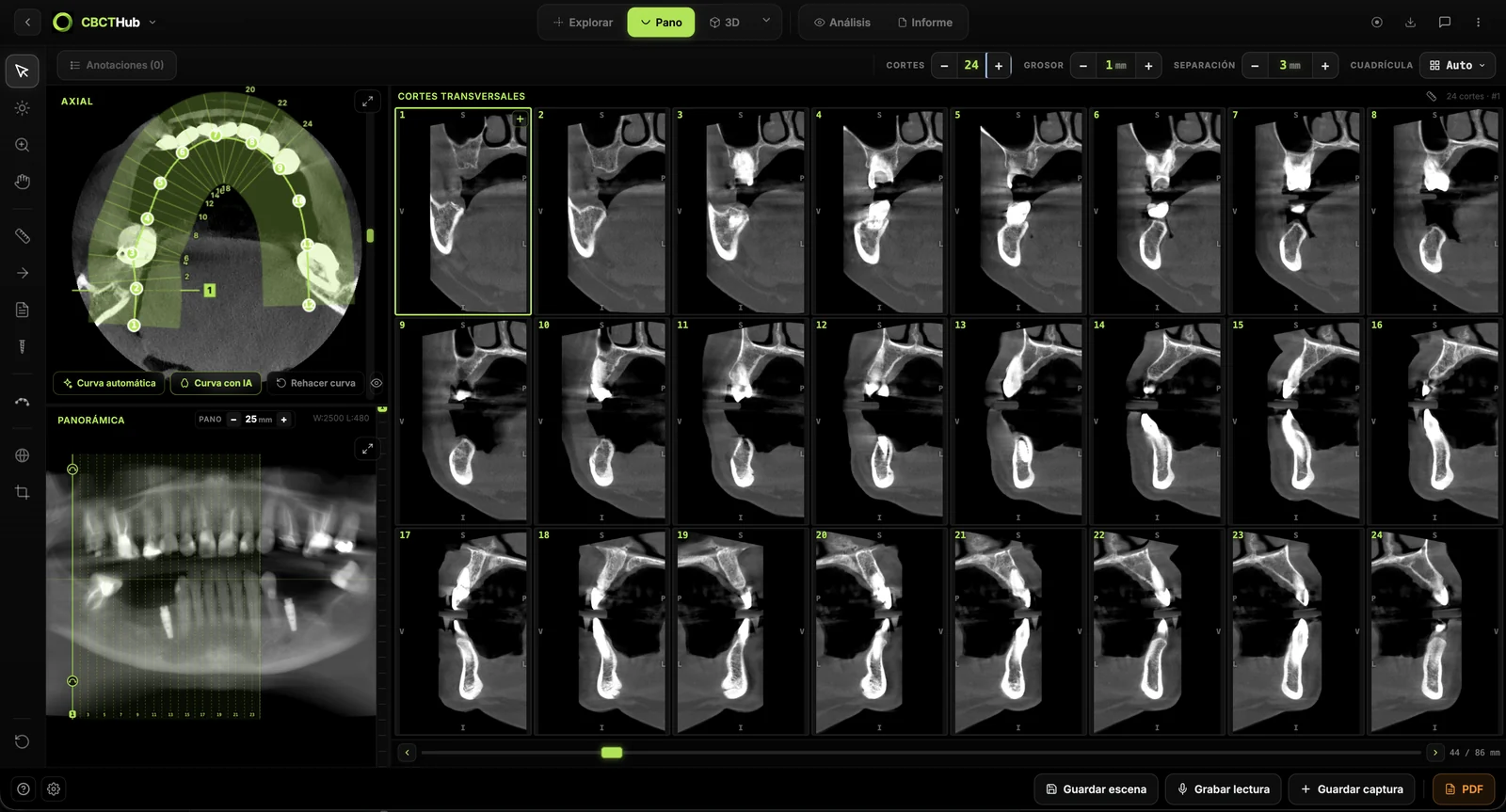
The tools
All of them come with the license.
Panoramic curve
Instant panoramic, 1 to 40 mm thick.

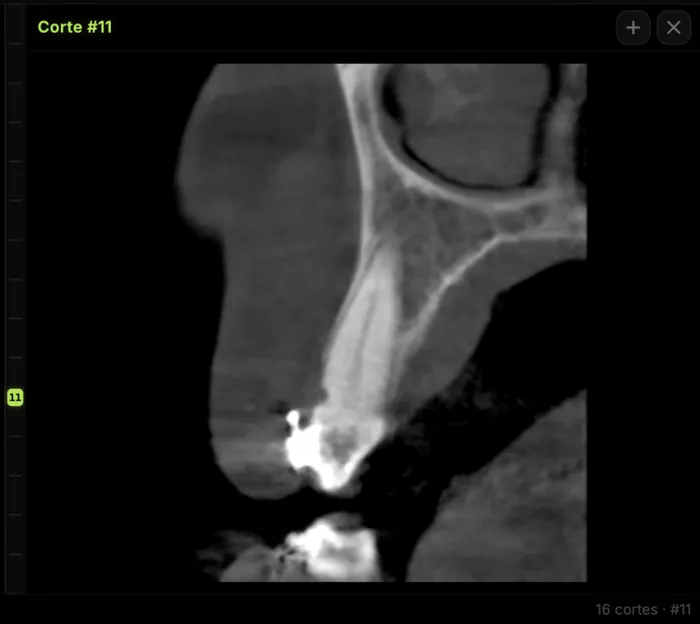
Cross-sections
Bone width and the nerve path.
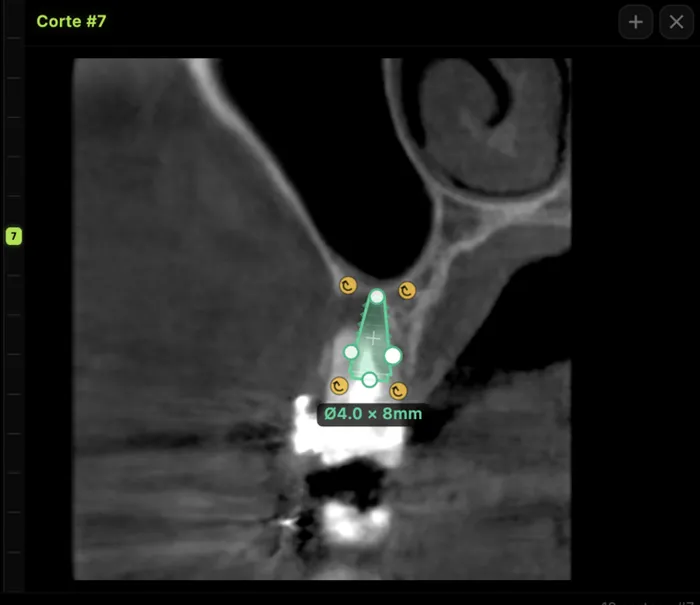
Implants
Diameter, length and distance to the canal.
Measurements
Distances, angles, arrows and notes.
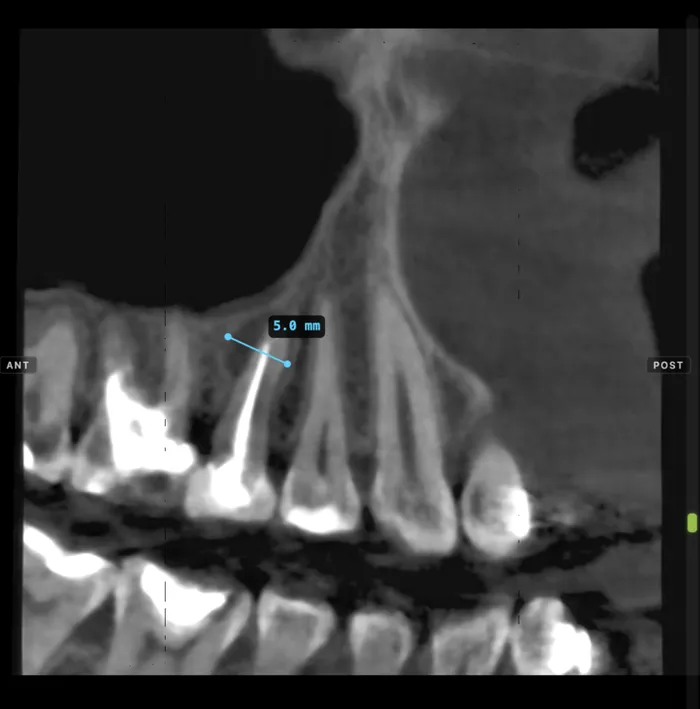
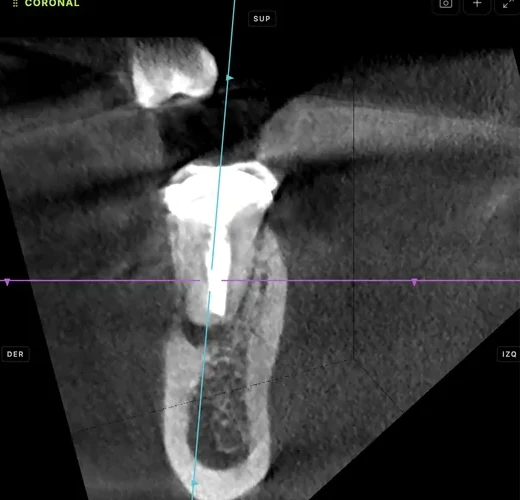
Oblique slice
Planes aligned with the root.
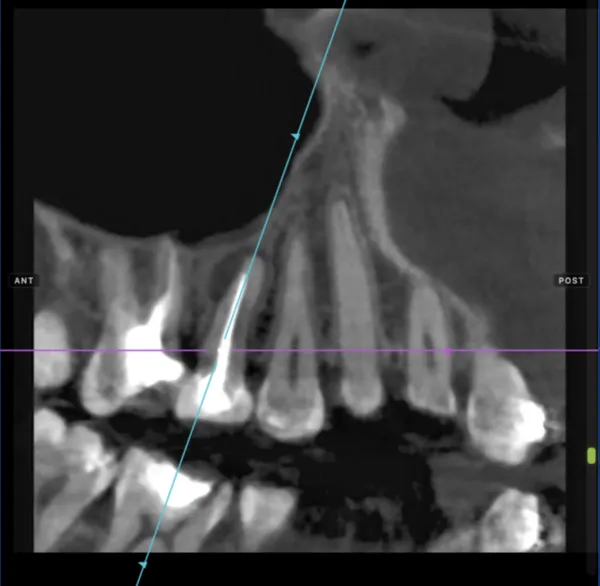
Endodontics
Slices along the axis of each root.
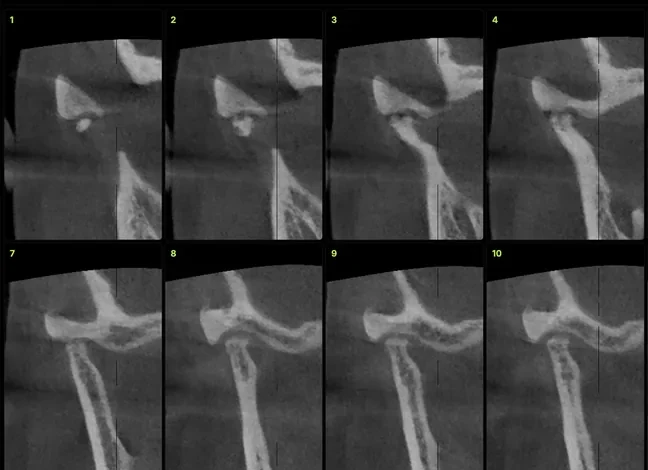
TMJ
Both condyles, side by side.
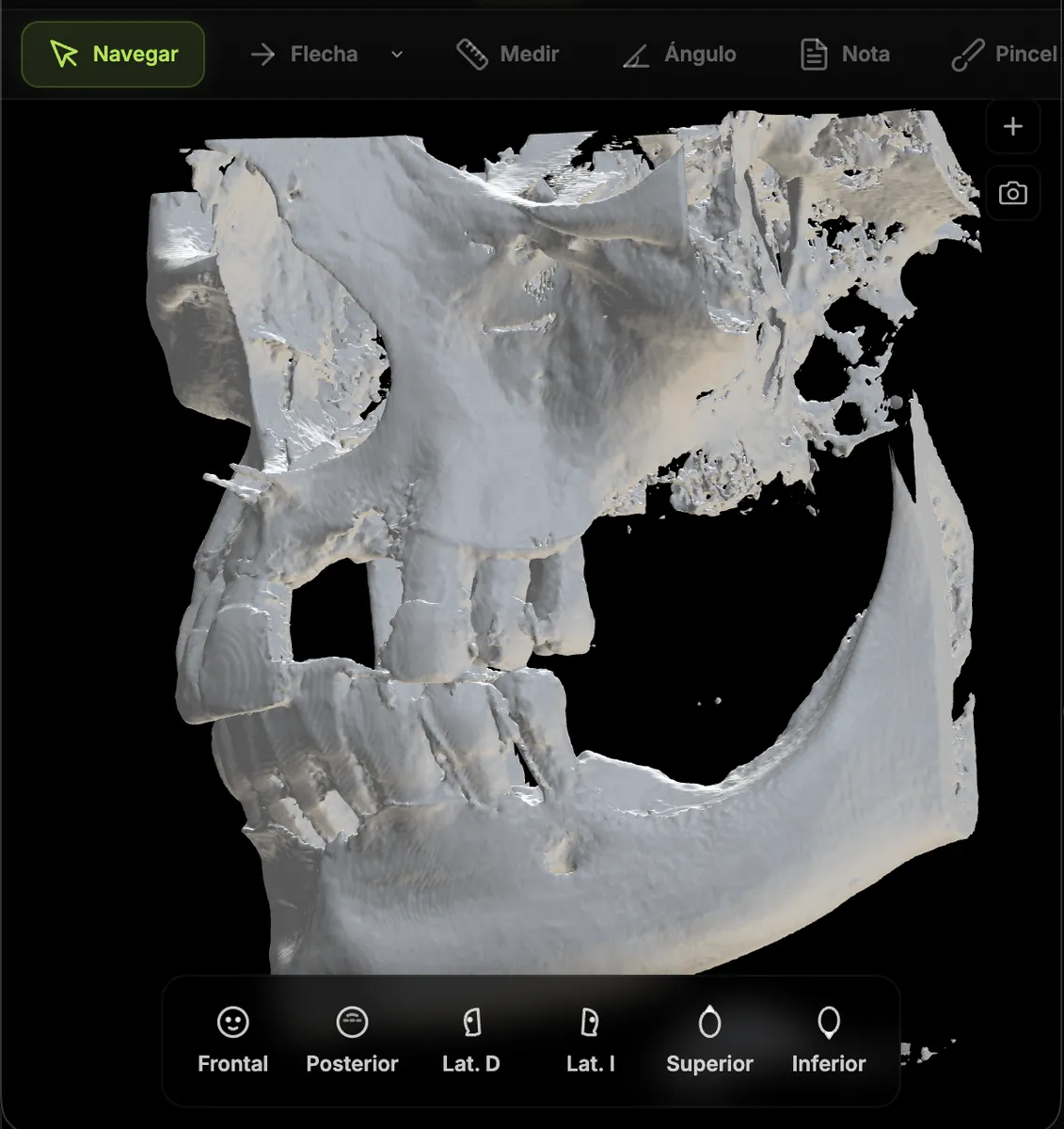
3D
The volume in 3D, to rotate and crop.
Viewer or Cloud?
The tools are the same. What changes is where your scans live.
| Viewer | Cloud | |
|---|---|---|
| Every viewer tool | ||
| Watermark-free reports and plates | ||
| Voice dictation | 60 min a month | Pro, Max and Ultra |
| Where scans are kept | Your computer | The cloud |
| Share by link | — | |
| AI segmentation | — | Max and Ultra |
| Price | US$99.99 once | From US$20 a month |
Pro, Max and Ultra plans already include the Viewer. See Cloud plans
Perpetual license
- Every viewer tool
- Voice dictation, 60 min a month
- New versions at no cost
- Up to 3 computers at once
- Mac and Windows
If it doesn’t work for you, you have 14 days to ask for a refund.
License termsFrequently asked questions
Does it need internet?+
Yes, to open the viewer (it loads from cbcthub.com) and to renew the license once a month. Your DICOM files are still read from your computer and never uploaded.
Do updates cost extra?+
No. The app updates itself and new versions are included in the payment.
I already have a Cloud plan. Do I have to pay?+
No. Pro, Max and Ultra plans include CBCTHub Viewer: download the app, sign in and activate it.
Can I use it on another computer?+
Yes, on up to 3 at a time. If you replace a computer, remove the old one from your account and activate the new one.
Does it open any CBCT?+
It opens standard DICOM series (a folder of .dcm files or a multiframe file) from Planmeca, Carestream, Sirona, Vatech, NewTom, Morita, i-CAT and others. STL/PLY from intraoral scanners too.
What if it doesn’t work for me?+
You can try it for 7 days before paying. If you buy it and it doesn’t work for you, you have 14 days to ask for a full refund.
Try it with one of your own scans.
The first 7 days are free, with no account or card. If you decide to keep it, you pay US$99.99.