Online DICOM Viewer vs Desktop Software: Which Is Better?

· Updated

The Evolution of DICOM Viewing
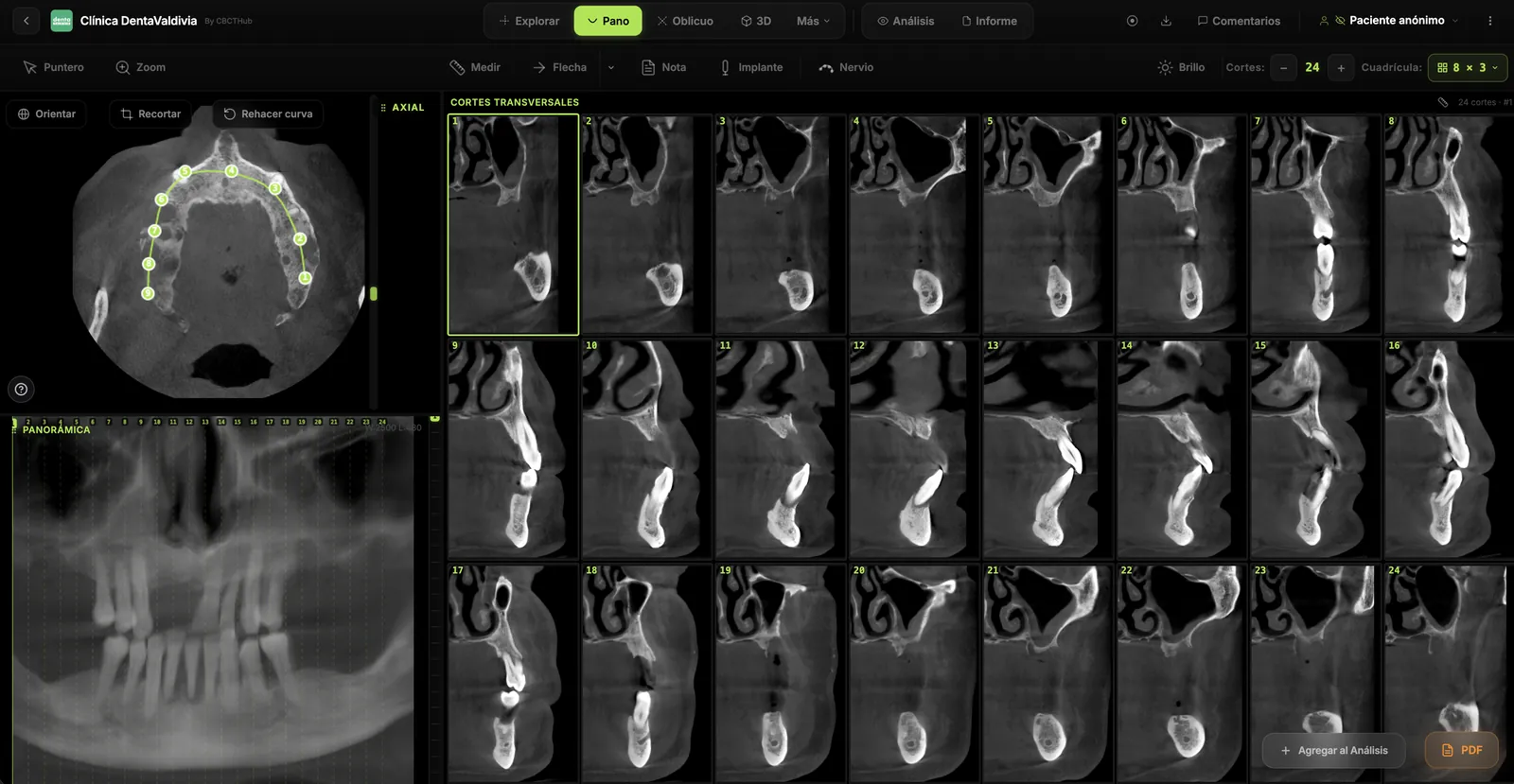
The choice between DICOM viewer online solutions and traditional desktop software has become increasingly important for modern dental practices. Both approaches offer distinct advantages, and the best choice depends on your specific workflow requirements, patient volume, and technical infrastructure.
DICOM (Digital Imaging and Communications in Medicine) files contain comprehensive imaging data that requires specialized software to view and manipulate. Historically, this meant installing dedicated desktop applications. Today, web-based solutions offer compelling alternatives.
Desktop DICOM Software: Traditional Strengths
Desktop applications like Horos, 3D Slicer, and commercial DICOM workstations provide robust functionality:
- Advanced Processing: Powerful computational tools for image manipulation, measurement, and analysis.
- Offline Accessibility: Work without internet connectivity.
- Specialized Features: Many desktop applications include industry-specific tools not yet available in browser-based solutions.
- Hardware Integration: Direct control over monitors, printers, and specialized input devices.
Online DICOM Viewers: Modern Advantages
Dental DICOM software delivered via the cloud offers significant benefits:
- Accessibility: View studies from any device with a web browser—desktop, tablet, or smartphone.
- No Installation: Instant access without lengthy software deployments or IT involvement.
- Automatic Updates: Features and security patches are deployed seamlessly.
- Collaboration: Easily share secure links with colleagues, specialists, and patients.
- Compliance Ready: Reputable cloud platforms maintain HIPAA, GDPR, and other healthcare compliance certifications.
- Cost Efficiency: No expensive server infrastructure or licensing fees.
Security and HIPAA Compliance
A critical concern for healthcare providers is regulatory compliance. Enterprise cloud platforms use encryption in transit and at rest, implement access controls, and maintain audit logs. Modern online DICOM viewers like CBCTHub are built with healthcare compliance at their core, making them suitable for regulated environments.
Performance Considerations
Desktop software traditionally offered superior performance for processing large volumetric datasets. However, advances in web technology—particularly WebAssembly and GPU acceleration in browsers—have narrowed this gap considerably. Modern online viewers can handle complex manipulations with performance comparable to desktop applications.
Making Your Decision
Choose desktop software if you require advanced post-processing, work primarily offline, or need specialized features not available in browser-based solutions. Opt for an online viewer if you prioritize accessibility across devices, want minimal IT overhead, and value easy collaboration and sharing.
Many practices benefit from a hybrid approach: using online viewers for quick consultations and sharing, combined with desktop software for detailed analysis when needed.
Conclusion
The future of medical imaging is increasingly cloud-based, with online DICOM viewers becoming the standard for accessibility and collaboration. The decision should align with your practice's workflow, compliance requirements, and long-term digital strategy.
Try CBCTHub for free
Upload, view, and share DICOM scans in the cloud. Nothing to install.
Create free accountRelated articles
Browser DICOM viewer vs desktop: what works for CBCT in clinic
Open CBCT in the browser or install a desktop viewer? A clinical decision matrix: MPR performance, offline use, Mac/Windows mix, sharing without CDs, and when native software still wins.
Dental DICOM software: a checklist for choosing a CBCT viewer
Before adopting a dental DICOM or CBCT viewer in the clinic: checklist for interoperability, MPR, mm measurements, share without CD, privacy, and TCO.
How to open a CBCT without installing software: a practical online-viewer guide
You got a CD, ZIP, or link with a CBCT and no manufacturer viewer. How to open the DICOM in the browser, measure in mm, and what to do when it fails.