How Radiology Centers Can Deliver Exams Digitally
· Updated

The Digital Transformation of Radiology Centers
Traditional radiology centers face the challenge of managing physical media, coordinating with numerous referring dentists, and maintaining compliance with evolving digital standards. Modern digital exam delivery transforms this workflow, improving efficiency, patient experience, and competitive positioning.
Moving Beyond Physical Media
DVD distribution has inherent limitations: media can be lost or damaged in transit, patients often lack compatible players, and sharing with multiple dentists creates coordination challenges. Digital delivery eliminates these issues entirely.
Cloud-based solutions enable patients and dentists to access exams via secure links, viewable on any modern device. This approach reduces your operational burden while increasing stakeholder satisfaction.
Radiology Workflow Integration
Successful radiology workflow optimization requires systematic integration:
Image Acquisition and QA: Ensure consistent, high-quality imaging across all equipment and operators. Standardize acquisition protocols and implement regular quality assurance testing. DICOM compliance is non-negotiable.
Automated Processing: Implement automated image processing where possible—reconstruction, artifact reduction, and standardized rendering. This reduces manual workload and ensures consistency.
Report Generation: Develop standardized reporting templates for different imaging types and clinical questions. Radiologist-generated reports should accompany imaging data to provide clinical context and recommendations.
Secure Archiving: Maintain a HIPAA-compliant archive of all imaging studies for the required retention period (typically 6-10 years). Implement redundant backup systems and disaster recovery procedures.
Patient Communication and Delivery
Streamline the patient notification and image delivery process:
- Automated Notifications: Send automated emails or SMS messages when exams are ready for pickup or online access.
- Patient Portal: Provide a secure patient portal where patients can access their imaging, reports, and educational materials.
- Referral Source Integration: Enable referring dentists to access exams through practice management integrations or dedicated dentist portals.
- Expiration and Re-delivery: Set automatic expiration dates for access links and implement streamlined re-delivery processes for old exams.
Referring Dentist Integration
Radiology centers that make it easiest for dentists to access and utilize imaging gain competitive advantage:
- Dentist Portal Access: Provide web-based access where referring dentists can view exams, download reports, and communicate with radiologists.
- Automated Notifications: Notify dentists when their patients' exams are complete and ready for review.
- DICOM Integration: Enable DICOM export so dentists can integrate imaging into their own viewers and PACS systems.
- Collaborative Comments: Allow dentists to leave comments and questions that radiologists can address, facilitating dialogue.
- Report and Recommendation Access: Provide clear, actionable radiologist interpretations and recommendations.
Quality Assurance and Standardization
Implement quality assurance procedures:
- Regular radiologist review of report quality and completeness
- Standardized formatting and terminology across all reports
- Double-read protocols for complex or unusual cases
- Continuing education for radiologists on new techniques and standards
- Regular equipment maintenance and calibration
- Annual quality assurance testing per imaging physics standards
Compliance and Documentation
Digital delivery doesn't eliminate documentation and compliance requirements:
- Maintain detailed records of who accessed each study and when
- Implement role-based access controls ensuring only authorized viewing
- Document all communications with referring dentists and patients
- Maintain audit trails of all modifications to reports or images
- Implement policies for handling requests for old exams or re-reads
Technology Infrastructure
Invest in reliable infrastructure supporting your digital delivery model:
- PACS System: Enterprise-grade picture archiving system with redundancy and disaster recovery.
- Image Delivery Platform: Cloud-based platform like CBCTHub enabling secure sharing and viewing.
- Network Infrastructure: High-speed, redundant internet connections supporting data uploads and downloads.
- Security Systems: Firewalls, intrusion detection, and regular security testing.
Staff Training and Change Management
Technology adoption requires proper staff preparation:
- Comprehensive training on new software and workflows
- Clear documentation of procedures and troubleshooting steps
- Ongoing support and refresher training
- Feedback mechanisms allowing staff to suggest improvements
- Time allowance for staff to adapt to new workflows
Competitive Advantages of Digital Delivery
Centers that implement effective digital delivery gain significant competitive advantages:
- Faster turnaround to referring dentists
- Improved patient satisfaction
- Reduced operational costs (no media production or shipping)
- Better data security and compliance
- Ability to serve geographically distant patient populations
- Enhanced professional reputation
Conclusion
Digital exam delivery is no longer a luxury—it's an operational necessity for competitive radiology centers. By implementing robust digital workflows, investing in appropriate technology, and maintaining quality standards, radiology centers can improve efficiency, enhance referring dentist relationships, and position themselves for long-term success in an increasingly digital healthcare landscape.
Try CBCTHub for free
Upload, view, and share DICOM scans in the cloud. Nothing to install.
Create free accountRelated articles
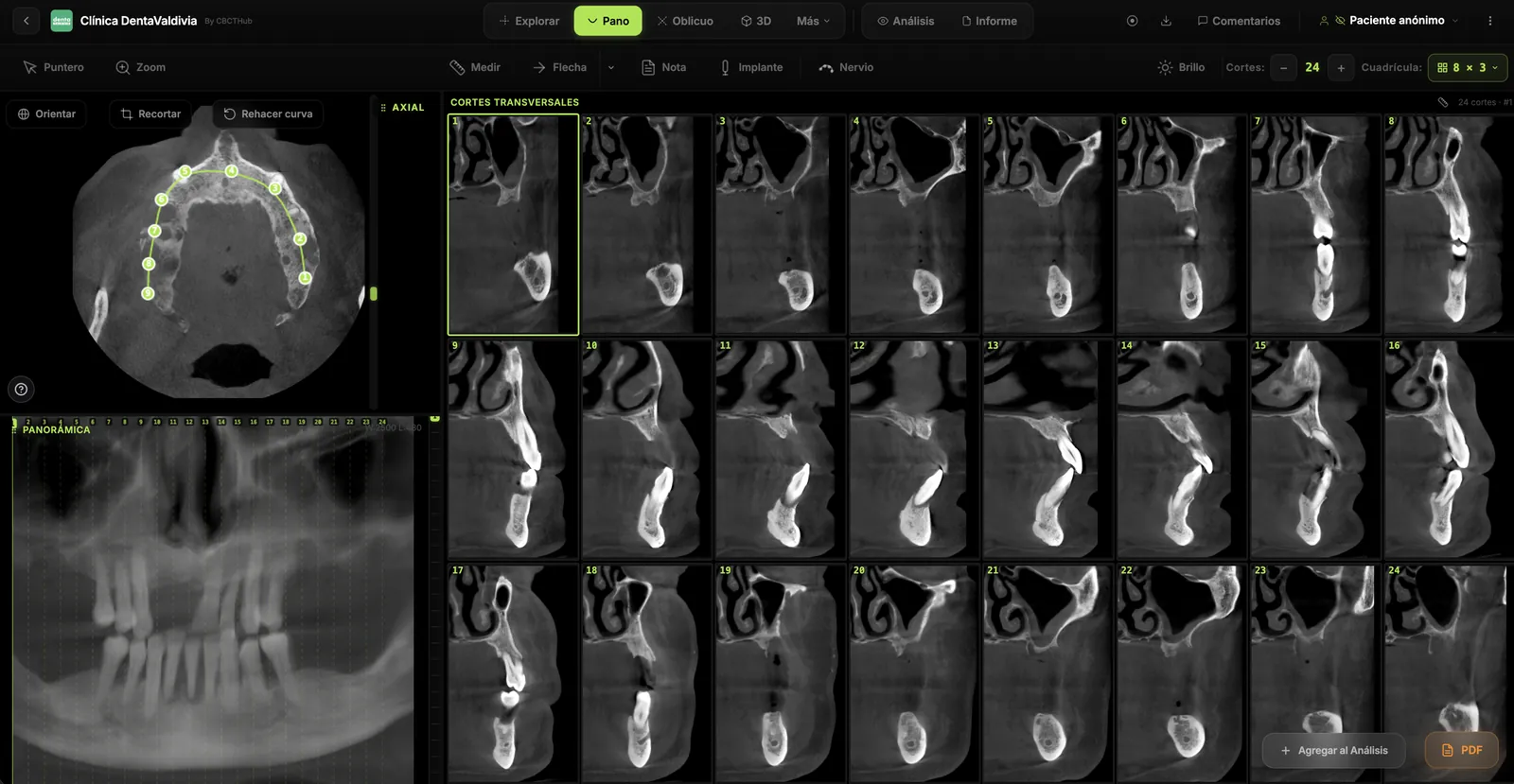
Browser DICOM viewer vs desktop: what works for CBCT in clinic
Open CBCT in the browser or install a desktop viewer? A clinical decision matrix: MPR performance, offline use, Mac/Windows mix, sharing without CDs, and when native software still wins.
How to open a CBCT without installing software: a practical online-viewer guide
You got a CD, ZIP, or link with a CBCT and no manufacturer viewer. How to open the DICOM in the browser, measure in mm, and what to do when it fails.
Dental CBCT in the cloud: day-to-day storage and sharing in clinic
What “CBCT in the cloud” means in clinic: store the original DICOM, access it from multiple chairs, and share with access control — without mistaking it for a full PACS or a WhatsApp ZIP.