Migrating from on-premise dental PACS to cloud: a phased approach with the CBCTHub API
The on-premise dental PACS in the corner of your IT room is more expensive than it looks. The original purchase order was small compared to what you've spent on RAID rebuilds, after-hours support contracts, backup tape rotations, and the day-and-a-half you lost in 2023 when the air conditioning failed. Add the soft costs — the studies you can't share remotely, the tech who burns CDs all morning, the dentists who churn quietly to a faster competitor — and the cloud math gets straightforward.
This post is the playbook we hand to IT directors at imaging centers planning a cloud migration. It assumes you have a working PACS today (Carestream, Sectra, Romexis, MediaDent, custom build, doesn't matter) and want to move to CBCTHub without taking the center offline for a week.
The real cost of an on-prem dental PACS
For a midsize imaging center with 50,000 studies in the archive and 200 new ones per day, a typical annual budget looks like this:
- Server hardware: $4,000 to $8,000 amortized per year on a 5-year cycle.
- Storage and RAID: $3,000 to $10,000 per year on enterprise drives and replacements.
- Backup software and media: $2,000 to $5,000 per year, plus the labor to verify restores.
- UPS, AC and rack space: $1,500 to $4,000 per year.
- IT support contract: $6,000 to $15,000 per year for after-hours coverage.
- Internal IT time: easily 4-6 hours per week on patches, monitoring and incident response.
That's a $25,000 to $50,000 line item every year, and it doesn't include the cost of downtime or the lost referrals when remote sharing fails. A cloud PACS at the same volume runs a fraction of that with predictable monthly billing.
Signs it's time to migrate
- Your storage array is more than 80% full and the next expansion needs new chassis.
- Your backup strategy hasn't been tested with a real restore in over six months.
- Half your referrers complain about getting studies remotely.
- Your IT team can't take a real vacation without on-call coverage.
- You've had at least one incident in the past 12 months where studies were inaccessible for more than two hours.
If three or more of those ring true, the cloud is no longer the optional upgrade — it's the cheaper option.
The four-phase migration plan
Phase 1: Audit and prep (weeks 1-2)
Before moving a single byte, inventory what you have:
- Volume: total study count, total storage size, growth rate per month.
- Modalities: what mix of CBCT, panoramic, intraoral, cephalometric, STL.
- Retention policy: what do you legally need to keep, for how long, and what can be archived to cold storage or discarded?
- Referrer dependencies: who else's systems read from your PACS today? An update to those flows is part of the migration.
- Team readiness: who will run the cutover, who answers tech support during it, who trains the front desk on the new flow.
This phase ends with a written runbook, a target storage budget, and an internal lead assigned.
Phase 2: Bulk import via API (weeks 3-6)
Backfill is the heaviest part. CBCTHub's /v1/exams endpoint with upload_mode: "zip" and the /process-zip follow-up is built for this — you ship a ZIP per study and the server unpacks it, no per-file PUT overhead.
# Pseudocode for a backfill agent
for study_folder in os.listdir(PACS_ROOT):
    if already_imported(study_folder):
        continue

    # Zip the DICOM folder
    zip_path = zip_study(study_folder)

    # 1. Create the exam
    res = requests.post(
        'https://cbcthub.com/api/v1/exams',
        headers={'Authorization': f'Bearer {KEY}'},
        json={
            'name': read_patient_label(study_folder),
            'patient_name': read_patient_name(study_folder),
            'birth_date': read_birth_date(study_folder),
            'exam_type': detect_modality(study_folder),
            'expiration_days': None,  # archive forever
            'upload_mode': 'zip',
            'zip_size_bytes': os.path.getsize(zip_path),
        },
    ).json()

    # 2. Upload the ZIP
    with open(zip_path, 'rb') as f:
        requests.put(res['upload_urls'][0]['url'], data=f)

    # 3. Trigger server-side unpack
    requests.post(
        f"https://cbcthub.com/api/v1/exams/{res['exam_id']}/process-zip",
        headers={'Authorization': f'Bearer {KEY}'},
    )

    mark_imported(study_folder)
    os.remove(zip_path)
Run the backfill in chronological order, oldest first. That way if you have to pause and resume, you always know exactly where you stopped. Rate-limit it to whatever your outbound bandwidth comfortably supports during business hours, or run it overnight at full speed.
Phase 3: Dual-run (weeks 7-10)
For 30 to 60 days, every new study is written to both the on-prem PACS and CBCTHub. This is the safety net — if anything is wrong in the cloud workflow you catch it without losing data. Use this phase to:
- Train every tech on the new sharing flow.
- Migrate referrers' bookmarks and PMS integrations to the cloud URLs.
- Verify that the audit logs, retention policy and access controls match what the on-prem PACS provided.
- Stress test on a peak day to confirm the upload pipeline doesn't queue up under load.
Phase 4: Cutover (week 11)
Once dual-run is boring for two consecutive weeks, switch off the writes to the on-prem PACS. Keep the box reachable as a read-only archive for 12 months, just in case, but stop adding to it. Disconnect the backup tape rotation, cancel the after-hours support contract, and reclaim the IT hours for higher-value work.
Rough cost calculator
For the same midsize center (50,000 study archive, 200 new per day):
- On-prem 5-year TCO: $150,000 to $250,000 (hardware + storage + IT + downtime).
- Cloud 5-year TCO with CBCTHub: roughly a third of that, depending on storage plan and API volume.
- One-time migration effort: 4-6 weeks of staff time + the API costs for the backfill itself.
Most centers we've worked with break even on the migration in months 6-9 and run net positive every quarter after.
Common risks and how to handle them
- Corrupted DICOM in the legacy archive. Build a validator into the backfill agent. Log every failed study to a side queue and review it weekly — usually a few percent of an old archive has issues that were invisible while the PACS just held the bytes.
- Inconsistent patient naming. Old archives mix uppercase, lowercase, accents and birth-date typos. Run a normalization pass during backfill (using the DICOM SpecificCharacterSet to handle non-ASCII names) so dentists can actually search the new system.
- Cutover downtime. The dual-run phase makes downtime structurally zero. If you skip it, plan a maintenance window.
- Referrer panic. Send a one-page update before the cutover. The biggest source of post-migration support tickets is dentists not knowing the link changed.
- Compliance review. Get your BAA, audit-log exports and breach notification process signed off by privacy counsel before phase 3, not after.
Wrap up
Cloud migration looks intimidating from the outside, but a phased plan — audit, backfill, dual-run, cutover — turns it into a series of routine sprints. The end state is lower cost, no on-call rotation for storage, and a referrer experience your competitors can't match without their own multi-year project. The hard part isn't the technology — it's deciding to start.
Try CBCTHub for free
Upload, view, and share DICOM scans in the cloud. Nothing to install.
Create free accountRelated articles
Endodontic CBCT: AAE/AAOMR 2025 indications
When to justify CBCT in endodontics per the AAE/AAOMR 2025 Position Statement: selective use, limited FOV, ALADAIP, and a practical reading checklist.
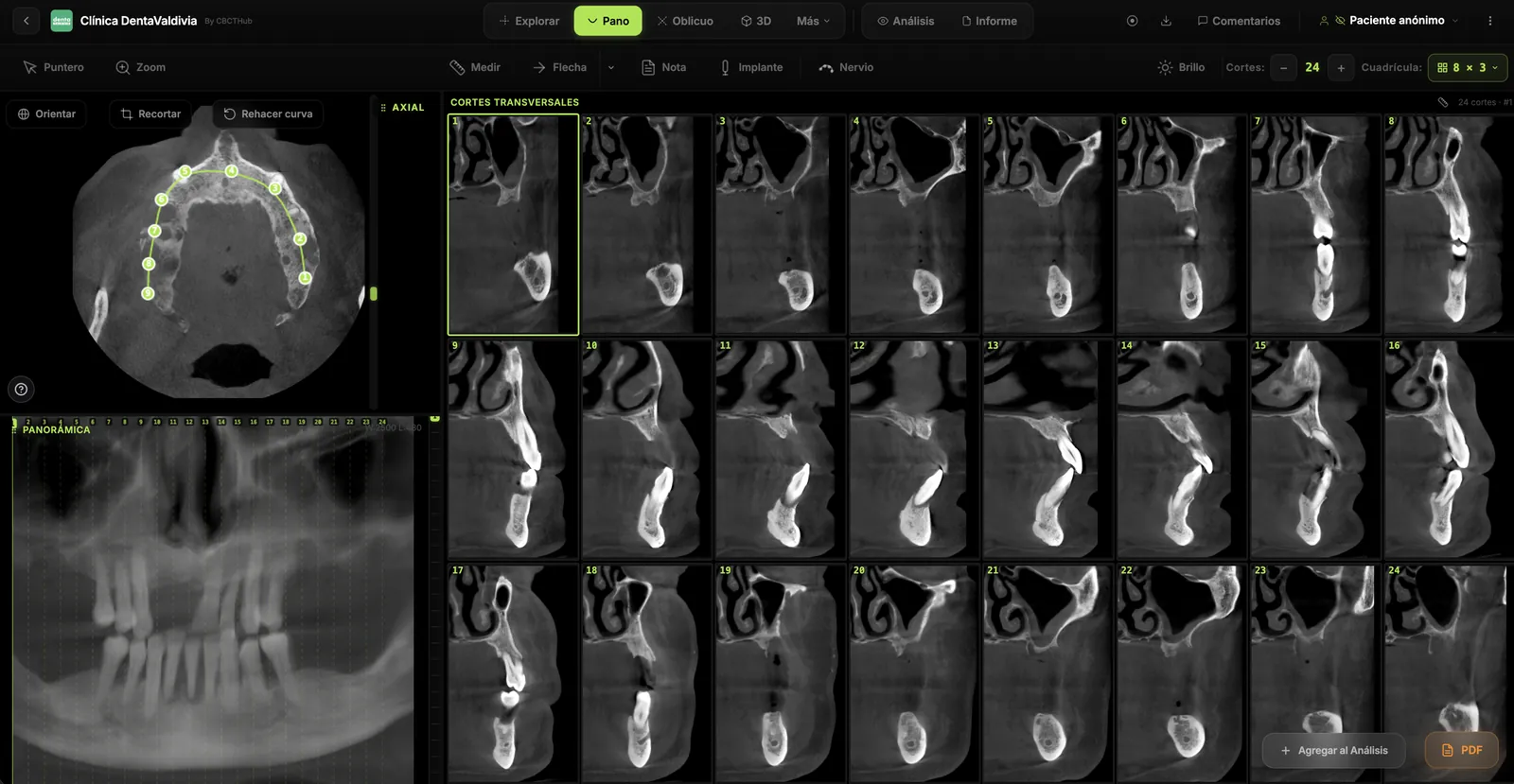
Dental CBCT in the cloud: day-to-day storage and sharing in clinic
What “CBCT in the cloud” means in clinic: store the original DICOM, access it from multiple chairs, and share with access control — without mistaking it for a full PACS or a WhatsApp ZIP.
Browser DICOM viewer vs desktop: what works for CBCT in clinic
Open CBCT in the browser or install a desktop viewer? A clinical decision matrix: MPR performance, offline use, Mac/Windows mix, sharing without CDs, and when native software still wins.