Reports and plates
Write the report while you review the slices.
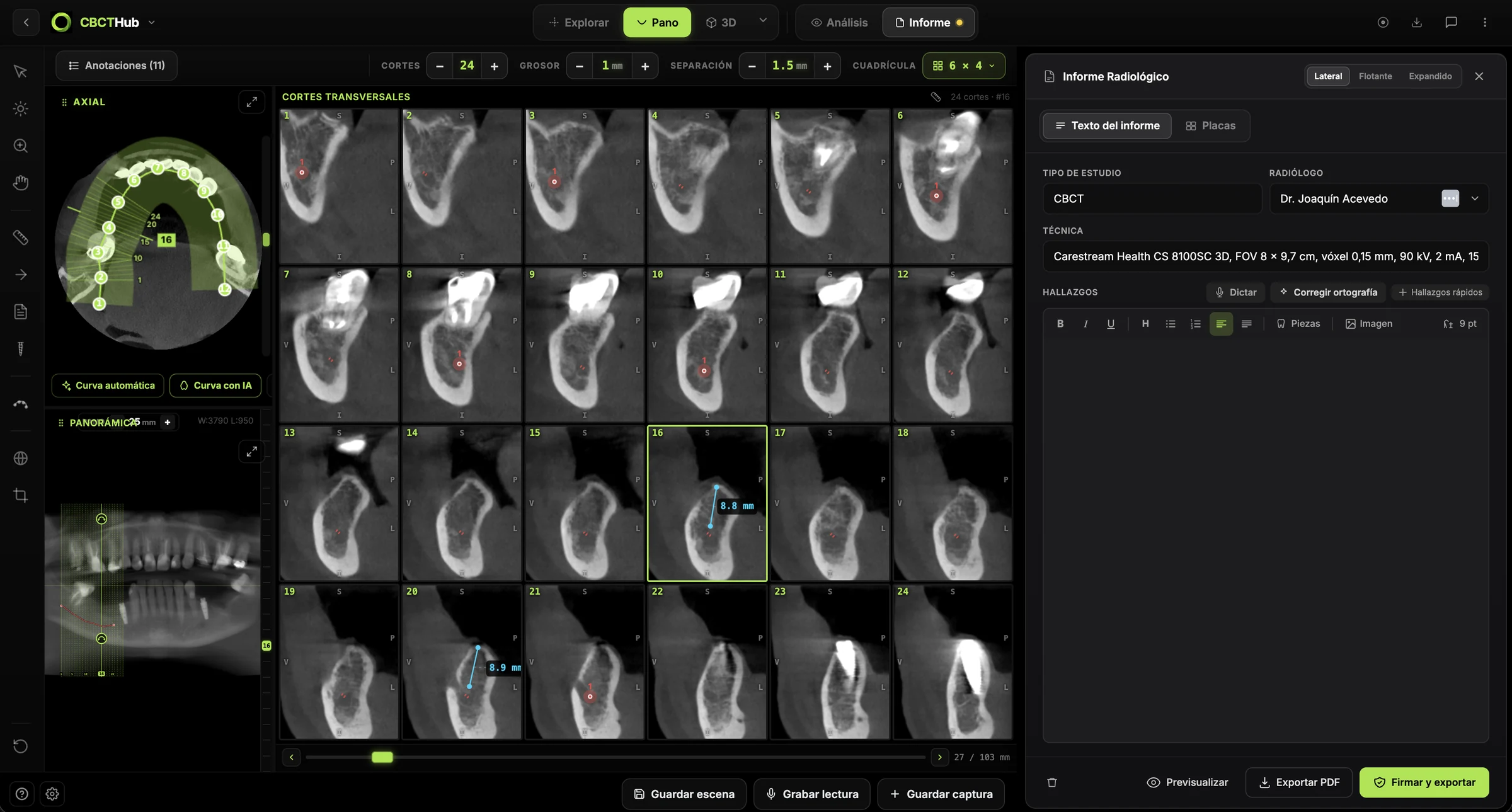
Type or dictate the CBCT findings, cite the slice you are describing and build plates by dragging images. The PDF comes out with your logo, your signature and a verification code.
Voice dictation
Dictate the findings and they are typed into the report.
Slice citations
Type “/” and the slice is cited. One click takes you back to it.
Plates with your logo
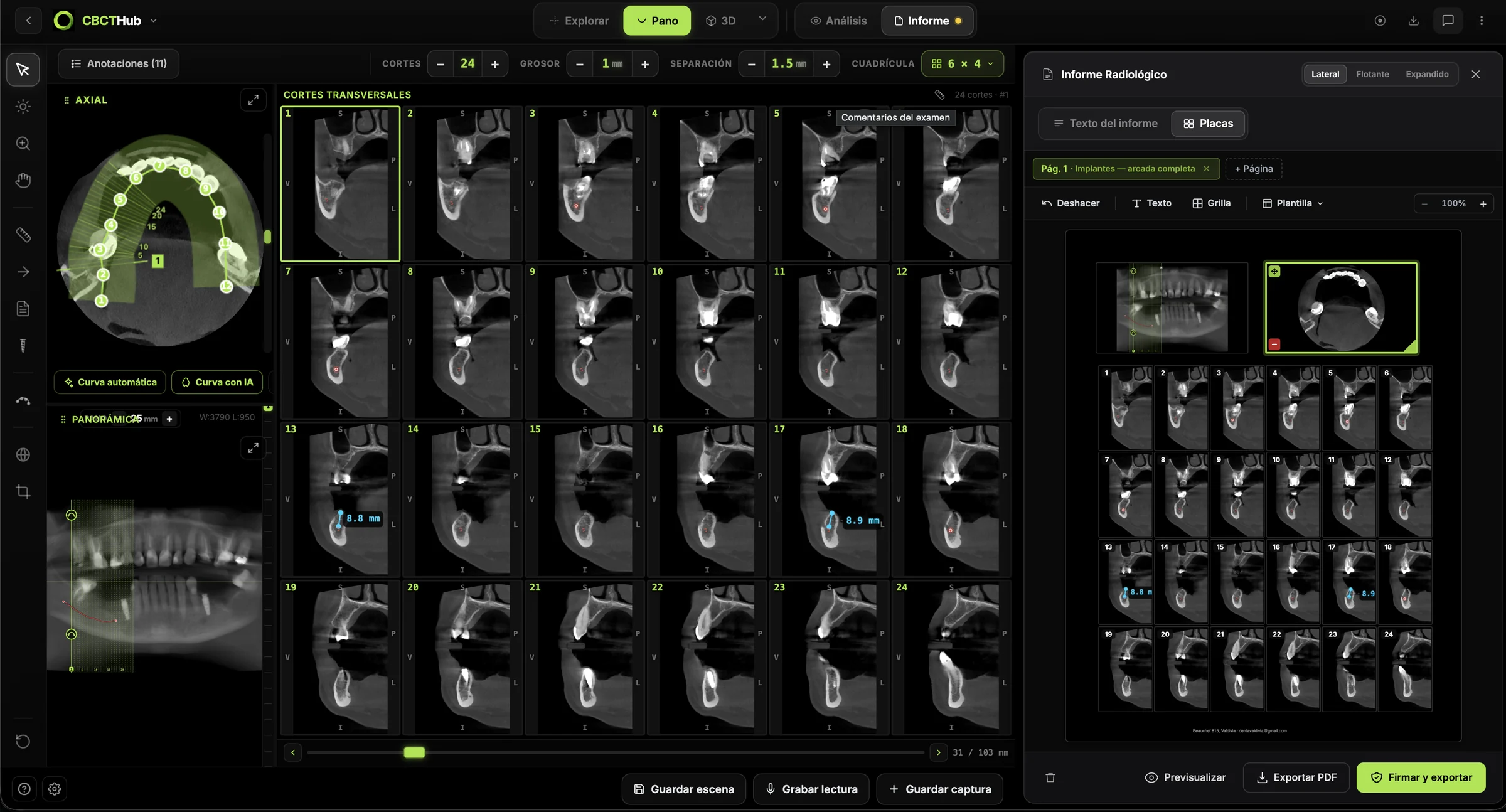
Drag slices into a template and the plate is ready.
Verifiable signature
The PDF carries your signature and a QR code to verify it.
1.0Write
Less typing in every report
Your most used findings are one click away, teeth are inserted with their number and the technique fills itself in with the scanner data: FOV, voxel, kV and mA read from the DICOM.
- Quick findings
- Teeth
- Technique from DICOM
- Dictation
- Spell-check
2.0Cite
Every finding, with the slice where it shows
Citations travel into the PDF: the patient or the referring dentist clicks [1] and opens that slice on CBCTHub. If you turn on the annex, the PDF adds the image of each cited slice at the end.
- Citations [1] [2]
- Link to the slice
- Annex of cited slices
3.0Plates
Ready-made templates or plates built your way
Pick a ready-made template, such as implants with the full arch, and drag slices into its boxes. Cross-section series fill themselves. If you need a different layout, build the plate with grid, text and pages, and save it as your own template.
- Ready-made templates
- Custom plates
- Automatic series
- Template export
4.0Sign and deliver
A branded PDF, ready to send
Once signed, the report is locked; if something needs correcting later, you add a dated addendum. The PDF is delivered with the scan link or downloaded.
- Center logo
- Radiologist signature
- Verification QR
- Addenda
Write your next report here.
Reports and plates are included in every plan, including the free one.