Collaboration
Review the case with your colleague on the same CBCT.
Comments pinned to the slice, readings recorded with your voice and live sessions. All inside the viewer, without sending files or opening Zoom.
1.0Comments
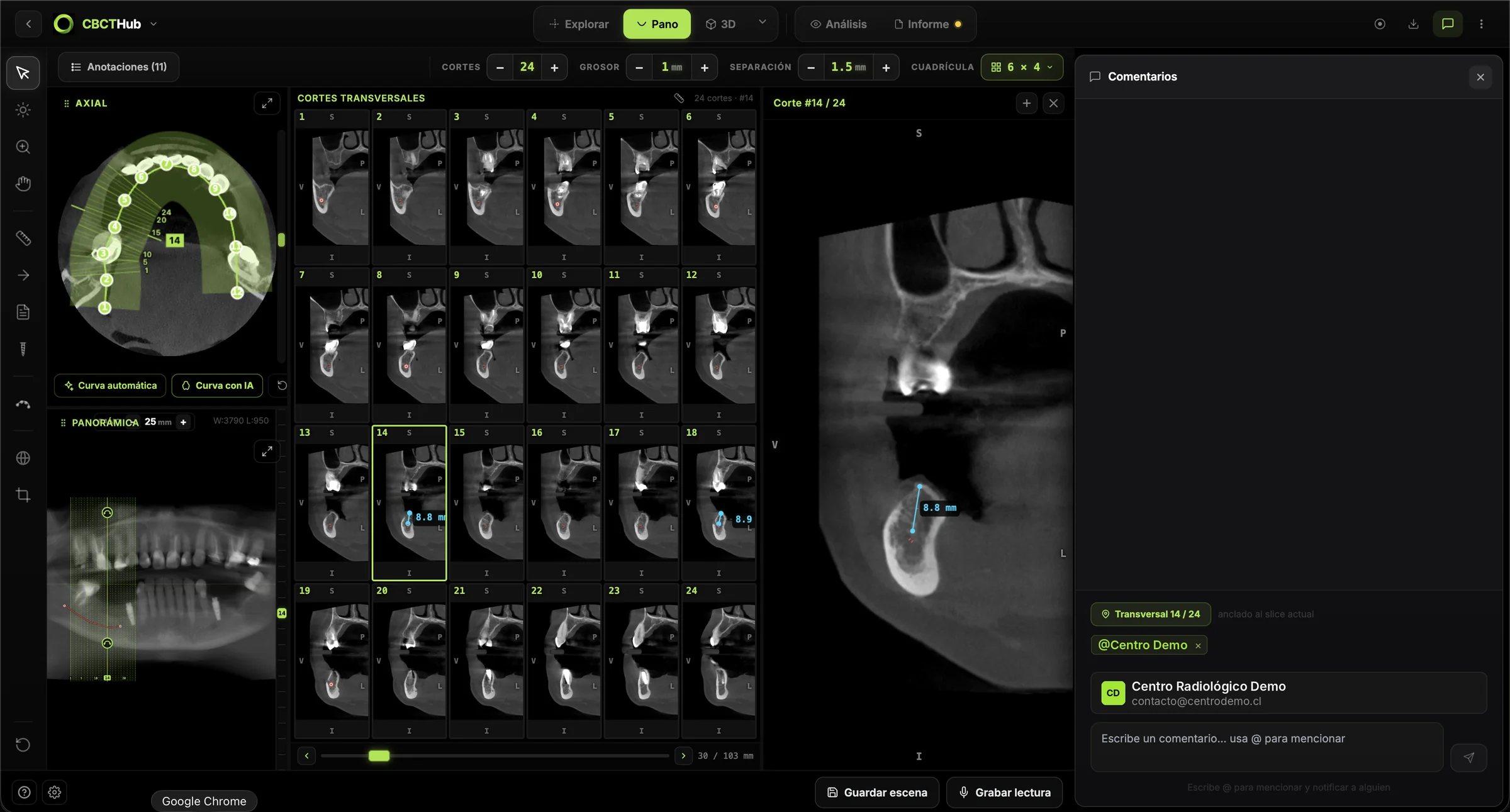
Comments pinned to the slice
Write on the slice you are viewing and @mention the center or a colleague. They get notified and, when they open the comment, they see that same slice.
- Pinned to the slice
- @mentions
- Notifications
- Asynchronous
2.0Recorded reading
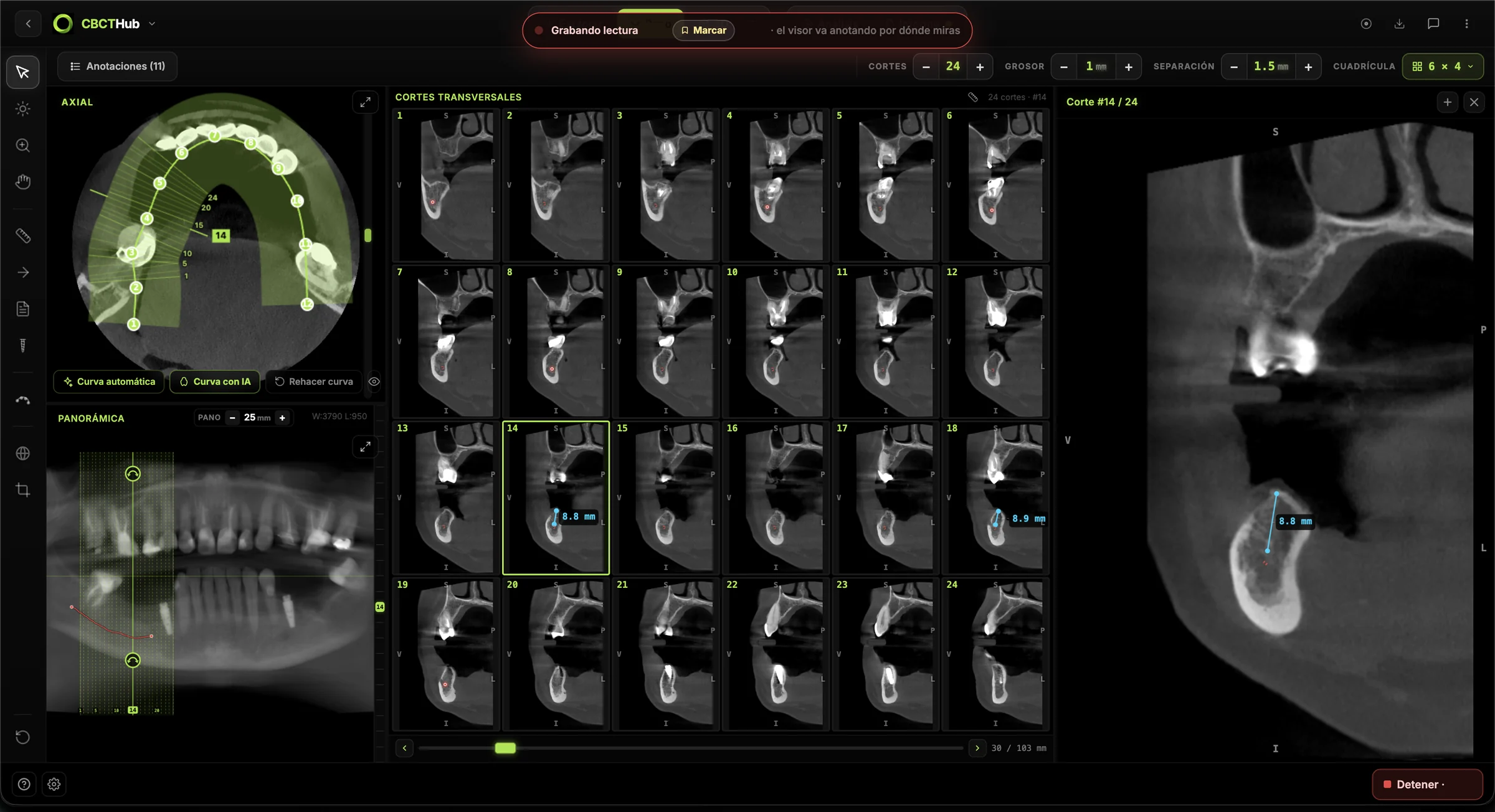
Record the reading with your voice
Walk through the scan and explain it out loud. The viewer records where you look, you mark findings with the M key and then email the reading as a video.
- Your voice
- Marks with the M key
- Email delivery
- Video
3.0Live
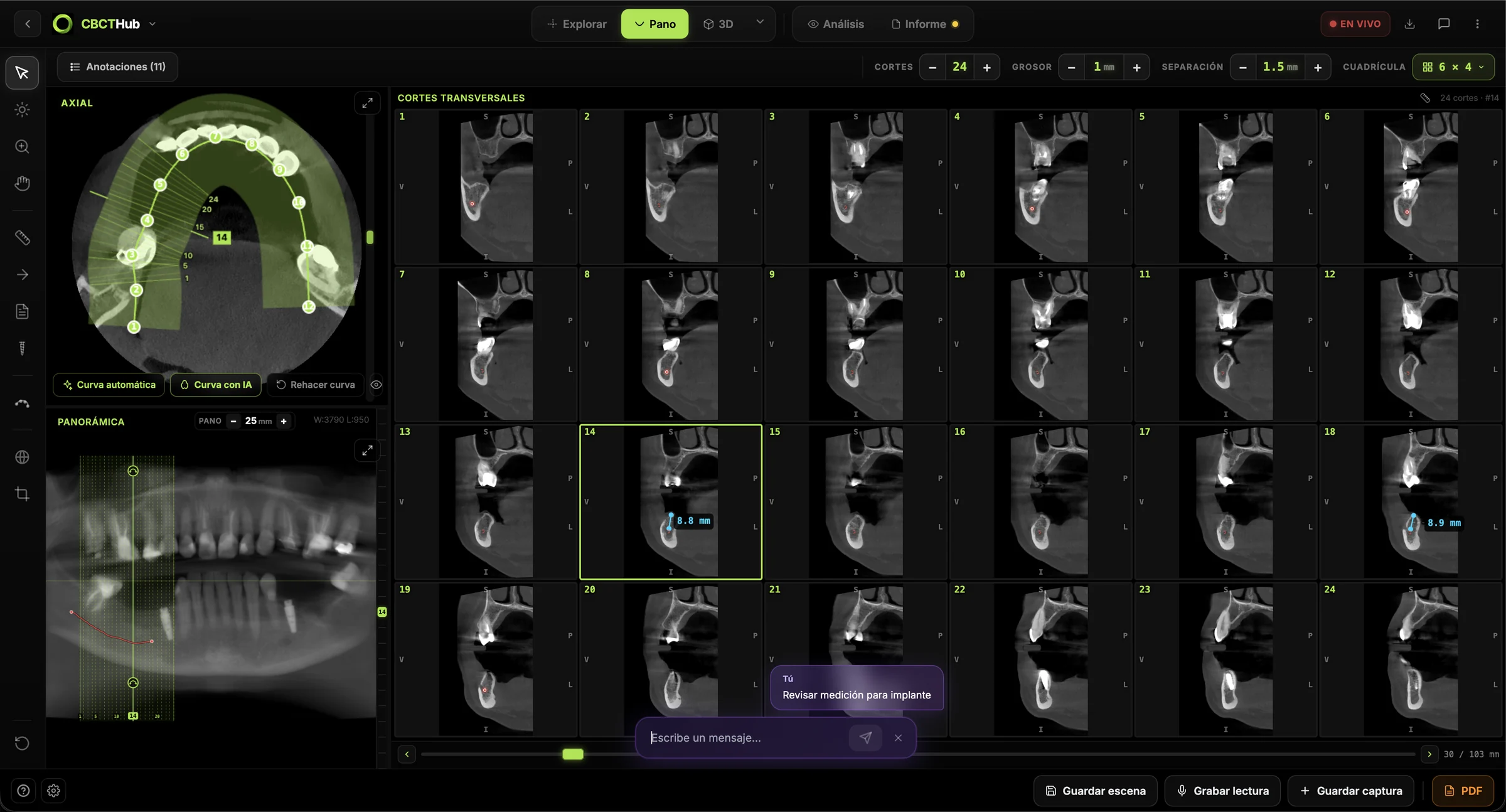
Your colleague sees what you see, live
Share a link and whoever opens it follows your screen as you navigate: slices, zoom and measurements. You can chat on top of the same image.
- One link
- Nothing to install
- Chat on the image
- Teaching
What it is used for
Referral consults
Show the case to a surgeon or periodontist on the images.
Teaching
Stream live to your students while you walk through a case.
Case discussion
Everyone leaves comments on the right slice.
Second opinion
A colleague reviews the case and leaves comments, nothing to install.
Share your first case today.
Create a free account and upload a scan in a minute.