Use cases of a dental PACS: implants, endo, ortho and TMJ

· Updated
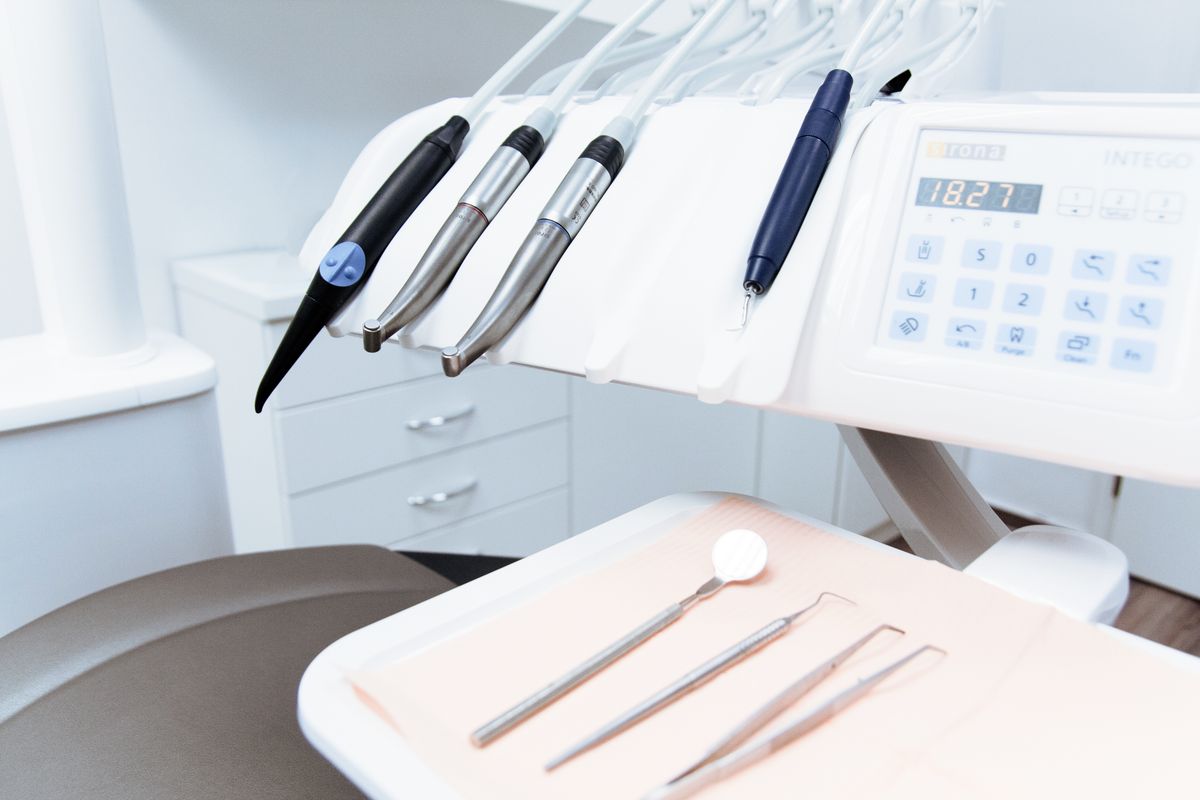
When dental PACS is mentioned, many professionals think of "a big hard drive to store tomographies". The reality is much richer. A good dental PACS supercharges the workflow of virtually every specialty. Let's walk through the most relevant ones with concrete examples.
1. Implantology
Implantology is probably the specialty that benefits most from a dental PACS. The typical flow:
- The patient arrives for implant evaluation.
- A specific CBCT of the treatment area is ordered (posterior mandibular sector, anterior maxillary sector, etc.).
- The CBCT is uploaded to the PACS, where the implantologist opens it in the 3D viewer.
- Key distances are measured: available bone height, distance to inferior alveolar nerve, buccal cortical thickness, distance to maxillary sinus.
- If guided surgery is used, the DICOM is exported and combined with an intraoral STL scan to design the surgical guide.
- The exam is delivered to the patient with the treatment plan and to the lab if applicable.
A modern dental PACS allows making measurements directly in the browser, sharing the case with the prosthetics lab via link, and storing the radiology report alongside the study.
2. Endodontics
CBCT is increasingly used in complex endodontics:
- Identification of accessory canals (especially mesiobuccal 2 in maxillary molars).
- Diagnosis of internal and external resorptions.
- Detection of vertical root fractures.
- Evaluation of periapical lesions invisible in 2D.
- Retreatment of previously failed root canals.
The endodontist needs to be able to adjust visualization windows to distinguish bone, dentin and radiopaque materials. A PACS with a powerful 3D viewer and endo-specific W/L presets dramatically speeds up diagnosis.
3. Orthodontics
In orthodontics, CBCT is mainly used for:
- Localization of impacted teeth (especially canines).
- Evaluation of airways and pediatric/adult OSA.
- 3D cephalometric analysis.
- Planning of orthodontic mini-implants.
- Pre-evaluation for maxillary expansion (MARPE/SARPE).
The orthodontist generally works with several studies of the same patient over the course of treatment (initial, mid, final). A PACS organized by patient lets them compare evolution without hunting for old CDs.
4. Oral and maxillofacial surgery
For the oral surgeon, the PACS is indispensable:
- Planning extractions of impacted third molars (relation with inferior alveolar nerve).
- Evaluation of cysts, tumors and odontogenic pathology.
- Orthognathic surgery planning.
- Reconstructive surgery: evaluation of bone grafts.
- Facial trauma: 3D visualization of complex fractures.
The oral surgeon also often needs to share the case with anesthesiologists, other specialists and the surgical team. A PACS with shareable links facilitates multidisciplinary coordination.
5. TMJ (temporomandibular joint)
Joint pathology evaluation requires specific CBCT protocols and, ideally, comparing right and left images simultaneously:
- Morphological evaluation of the condyle (degeneration, flattening, osteophytes).
- Detection of condylar fractures.
- Ankylosis.
- Condylar asymmetries.
A dental PACS with side-by-side comparative view of right and left TMJ greatly speeds up this type of study.
6. Pediatric dentistry
In children, CBCT is used cautiously (ALARA: As Low As Reasonably Achievable), mainly for:
- Retained or ectopic canines.
- Supernumerary teeth.
- Developmental odontogenic pathology.
- Dentoalveolar trauma.
The low dose of modern CBCT makes them tolerable in pediatrics, and a PACS allows storing the child's diagnostic history over the years.
The common factor: delivery and collaboration
All these specialties share two key needs: storing exams well and sharing them easily. A referring dentist who has to wait 3 days for a CD loses time. A surgeon who can't show the patient the tomography in the consultation loses a communication opportunity. An endodontist who can't compare with a previous study loses diagnostic precision.
CBCTHub was designed for this
CBCTHub is built with these real use cases in mind:
- 3D viewer with W/L presets for endo, implants, bone, soft tissue.
- Measurement tools in millimeters for implantology.
- Side-by-side comparative view (TMJ, evolutionary orthodontics).
- Inferior alveolar nerve (IAN) tracing.
- Implant model selector with integrated catalog.
- Radiology report editor with templates by specialty.
- Sharing by link with referring dentist and patient.
If your clinic works with CBCT and still depends on CDs or local software, create a free account and see the difference.
Try CBCTHub for free
Upload, view, and share DICOM scans in the cloud. Nothing to install.
Create free accountRelated articles
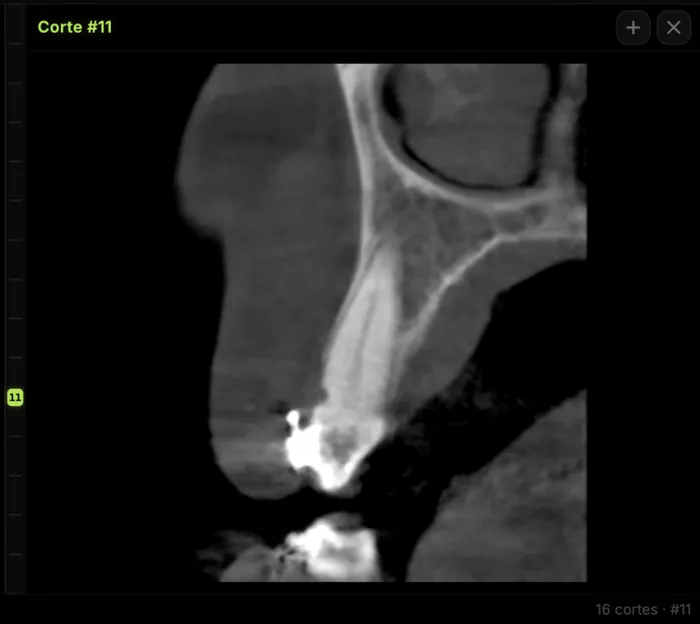
Mandibular canal and inferior alveolar nerve on CBCT: anatomy, variants, and pre-surgical measurement
Locate the mandibular canal and IAN on CBCT: mental loop, bifid/retromolar canal, measurement checklist, and when to escalate from panoramic (ALADA).

Dental CBCT in the cloud: day-to-day storage and sharing in clinic
What “CBCT in the cloud” means in clinic: store the original DICOM, access it from multiple chairs, and share with access control — without mistaking it for a full PACS or a WhatsApp ZIP.
Browser DICOM viewer vs desktop: what works for CBCT in clinic
Open CBCT in the browser or install a desktop viewer? A clinical decision matrix: MPR performance, offline use, Mac/Windows mix, sharing without CDs, and when native software still wins.