What is RIS/PACS and how does it apply to dentistry?

· Updated
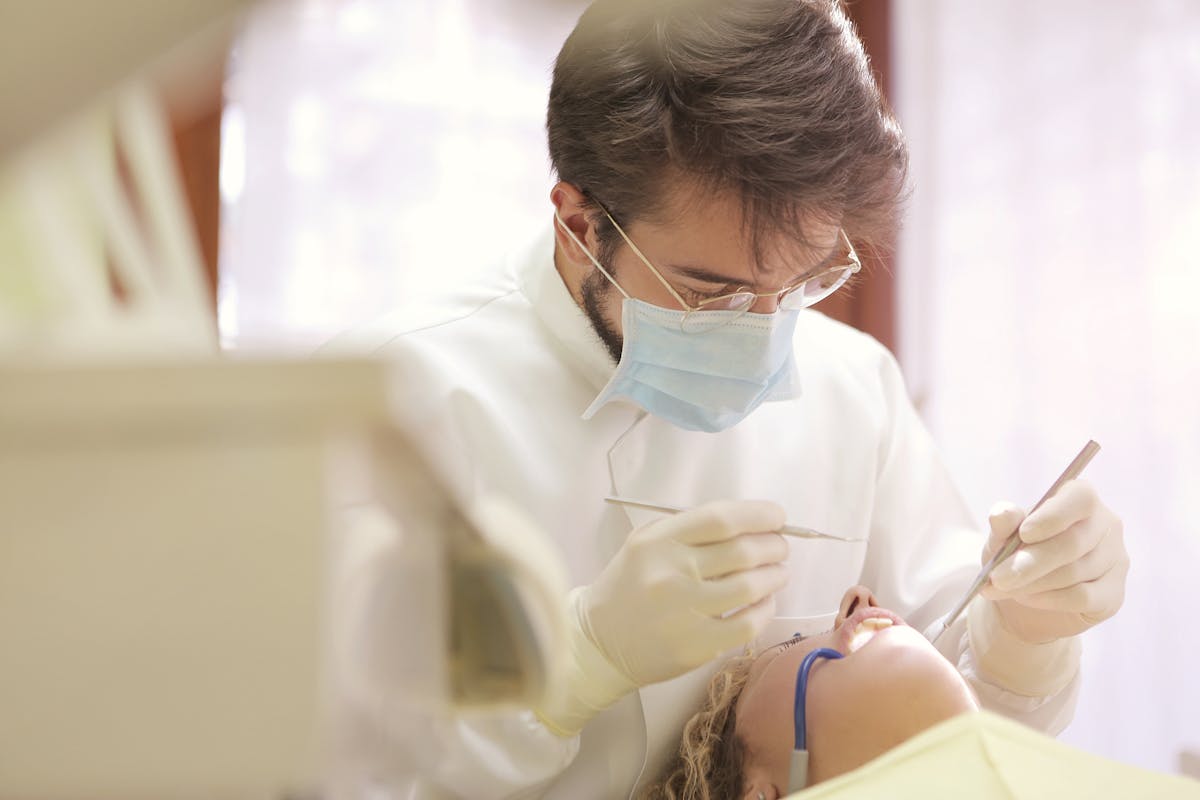
If you work in dentistry and handle CBCT scans or digital X-rays, you have probably heard the acronyms RIS and PACS. These two systems have been the gold standard in medical radiology for decades, and they are now rapidly being adapted to the dental world. In this article we explain what they are, how they differ, and why you should consider implementing them in your clinic.
What is a PACS?
PACS stands for Picture Archiving and Communication System. It is the platform that stores, organizes and distributes medical images in DICOM format — the universal standard for diagnostic images.
In practical terms, a dental PACS does four things:
- Receives studies automatically from the CBCT machine or radiographic sensor.
- Stores the DICOM files centrally, with backup.
- Indexes the studies by patient, date, modality and type.
- Distributes the exams to whoever needs them (radiologist, referring dentist, patient) through a secure link.
What is a RIS?
RIS stands for Radiology Information System. It is the administrative software that coordinates the entire operation: patient scheduling, exam orders, radiology reports, billing and result delivery.
While the PACS handles the images, the RIS handles the workflow: who requested the exam, when it was performed, who reported it, who receives it, and how much it cost.
RIS and PACS work together
In a modern hospital, RIS and PACS are integrated: the RIS manages the appointment, registers the patient and creates the order; the CBCT machine acquires the study and sends it to the PACS; the radiologist opens the study from the RIS (which pulls it from the PACS), drafts the report, and the system delivers it to the referring dentist.
In dentistry, this workflow has historically been done with physical CDs, Excel spreadsheets and local folders. That era is ending.
Why does it matter in dentistry?
Dental clinics and dental imaging centers have needs very similar to those of a small hospital:
- They generate hundreds of studies per month that need to be archived.
- They work with external referring dentists who expect the exam quickly.
- They need to deliver results to the patient with their brand, not a generic CD.
- They must comply with health data protection regulations (HIPAA in the US, GDPR in Europe, LGPD in Brazil).
A dental PACS solves all of this in one place.
Concrete advantages vs CD/USB
Migrating from CD to PACS is not just a matter of convenience. The operational impact is measurable:
- Zero consumables: no more buying CDs, sleeves or labels.
- Zero re-deliveries: the referring dentist can always go back to the link.
- Instant delivery: the exam is shared by email or WhatsApp in seconds.
- Multi-device access: the dentist opens it on their tablet, the patient on their phone.
- Consistent branding: the viewer carries your logo, not the manufacturer's.
The modern dental PACS is 100% cloud
Traditional hospital PACS are expensive (tens of thousands of dollars in hardware), require physical servers and dedicated IT staff. That doesn't scale for a dental clinic.
The new generation of cloud-based dental PACS eliminates all that friction: you subscribe to a monthly service, upload exams from the browser, and the system takes care of the rest. No servers, no manual backups, no breaking updates.
Is CBCTHub a dental PACS?
Yes. CBCTHub is a cloud-based dental PACS designed specifically for dental imaging centers and clinics. It stores your DICOM studies, organizes them by patient, lets you deliver them to the referring dentist with a link branded as your center, and includes an online 3D viewer with panoramic, oblique, MPR and signed PDF reports.
And most importantly: you don't need servers, you don't need to install software, and neither does the dentist receiving the link. It runs in any browser, on any device.
Next steps
If your clinic still relies on CDs or USB drives to distribute exams, now is the time to make the jump. In the next articles in this series we will dive deeper into the differences between RIS and PACS, cloud vs local server options, and real use cases in implantology, endodontics and orthodontics.
In the meantime, you can create a free CBCTHub account and start uploading your first exams today.
Try CBCTHub for free
Upload, view, and share DICOM scans in the cloud. Nothing to install.
Create free accountRelated articles
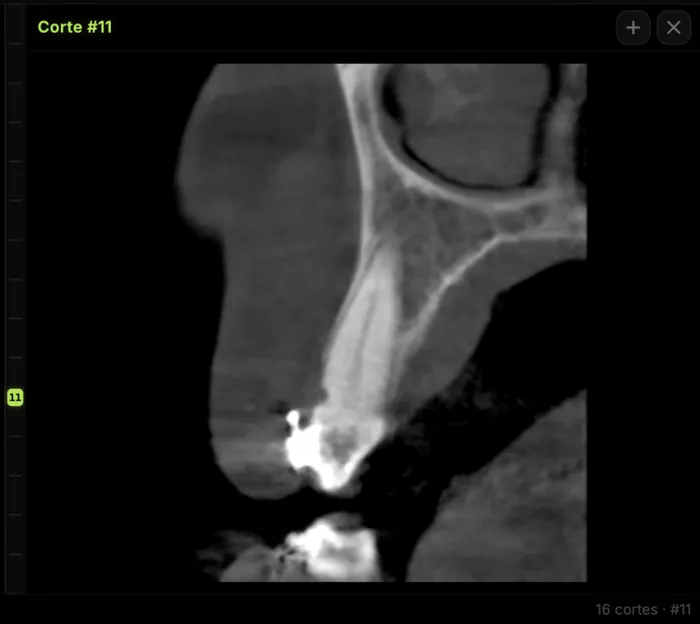
Mandibular canal and inferior alveolar nerve on CBCT: anatomy, variants, and pre-surgical measurement
Locate the mandibular canal and IAN on CBCT: mental loop, bifid/retromolar canal, measurement checklist, and when to escalate from panoramic (ALADA).

Browser DICOM viewer vs desktop: what works for CBCT in clinic
Open CBCT in the browser or install a desktop viewer? A clinical decision matrix: MPR performance, offline use, Mac/Windows mix, sharing without CDs, and when native software still wins.
How to open a CBCT without installing software: a practical online-viewer guide
You got a CD, ZIP, or link with a CBCT and no manufacturer viewer. How to open the DICOM in the browser, measure in mm, and what to do when it fails.