Dental RIS vs PACS: differences and which one your clinic needs

· Updated
RIS and PACS are usually mentioned together, which gives the impression they are the same thing. They are not. Each covers a different part of the digital radiology workflow, and understanding the difference is key to deciding what your dental clinic needs.
The RIS manages the administrative flow
Think of the RIS as the "radiology CRM". Its job is to coordinate everything that happens around the study:
- Patient scheduling: when each patient comes, at what time, for which exam.
- Medical orders: what exam the referring dentist requested and why.
- Radiology reports: the document the radiologist drafts after analyzing the study.
- Billing: how much is charged, to whom, on what date.
- Delivery: notify the referring dentist that the report is ready.
The RIS doesn't need to see the images — it only needs to know they exist, where they are and who they belong to.
The PACS manages the images
The PACS does the opposite: it deals exclusively with DICOM files and the surrounding infrastructure:
- Reception: connects directly to the CBCT machine, sensor or panoramic equipment.
- Storage: keeps files backed up and encrypted.
- Visualization: includes a viewer that lets you navigate slices, make measurements, compare studies.
- Distribution: lets you share studies with other professionals or the patient.
The PACS doesn't deal with scheduling or billing. That's the RIS's job.
Do I need both?
It depends on the size and complexity of your operation. Case by case:
Small dental clinic (1-2 dentists)
If you do a few CBCTs per week, mainly for your own patients, you probably only need a dental PACS. Scheduling is handled by your usual practice management software (Curve, Dentrix, etc.), and exams are delivered to the patient or specialist via link.
Dedicated dental imaging center
If your main business is producing CBCTs for external referring dentists, you need some form of RIS + PACS. The RIS helps you manage the volume of referrers, orders, reports and billing; the PACS handles the images and distribution.
Hospital or multi-specialty clinic
When radiology is part of a large hospital or clinic with multiple specialties, it's best to have RIS and PACS integrated with the broader HIS (Hospital Information System) or EHR (Electronic Health Record).
Why do many modern PACS include RIS functions?
The reality is that the classic RIS/PACS split comes from the hospital world, where they are separate products from different vendors. In the dental world, the practical thing is a unified system covering the essentials of both: storage + visualization + delivery + a minimum of administrative management (reports, public page for the patient, branded delivery to the referring dentist).
This is what's known as an exam delivery platform — lighter than a full hospital RIS+PACS but enough for 90% of dental imaging centers and clinics.
The CBCTHub approach
CBCTHub is an exam delivery and management platform specific to dental CBCT. It covers what a dental PACS does (storage, 3D viewer, distribution) plus the most-used RIS functions in the dental setting:
- List of referring dentists with contact details.
- Automated delivery of the exam to the referrer with your branding.
- Radiology report editor with templates and digital signature.
- Public center page where the patient accesses with a PIN.
- Activity log of everything that happened with each study.
For a small-to-medium dental clinic or imaging center, this replaces the need to buy a separate RIS and PACS. And being cloud-based, there's no infrastructure to maintain.
Conclusion
RIS and PACS are not the same thing, but in dentistry the line between them blurs. What matters is not to lag behind: if you still depend on CDs and Excel sheets, any modern unified system will represent a huge improvement in productivity and patient experience.
We invite you to try CBCTHub for free and see firsthand how an end-to-end digital dental workflow feels.
Try CBCTHub for free
Upload, view, and share DICOM scans in the cloud. Nothing to install.
Create free accountRelated articles
Best CBCT Viewers 2026: Complete Comparison of 10 Dental Imaging Software Options
In-depth comparison of the best CBCT viewers for dental imaging in 2026. Cloud-based and desktop options, pricing, features, and best-fit scenarios.
Text, Email, or Link: A Real Comparison of 4 Ways to Deliver a CBCT Scan
CD/USB, text message with file, email attachment, and platform link. Cost, security, experience, and scalability of each.
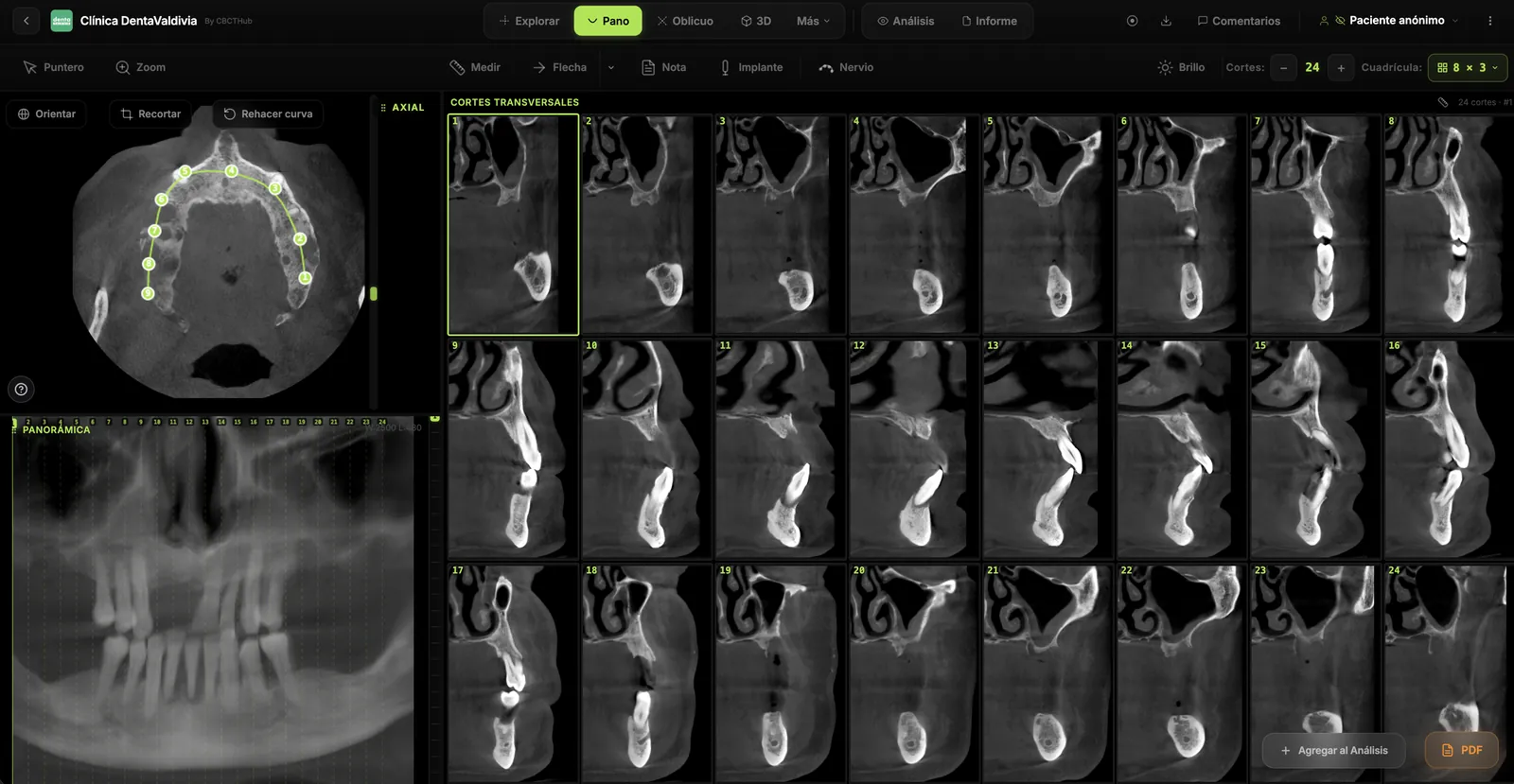
Dental CBCT in the cloud: day-to-day storage and sharing in clinic
What “CBCT in the cloud” means in clinic: store the original DICOM, access it from multiple chairs, and share with access control — without mistaking it for a full PACS or a WhatsApp ZIP.